






Product changelog
New AI drafts & Google Drive sync
Apr 14, 2026
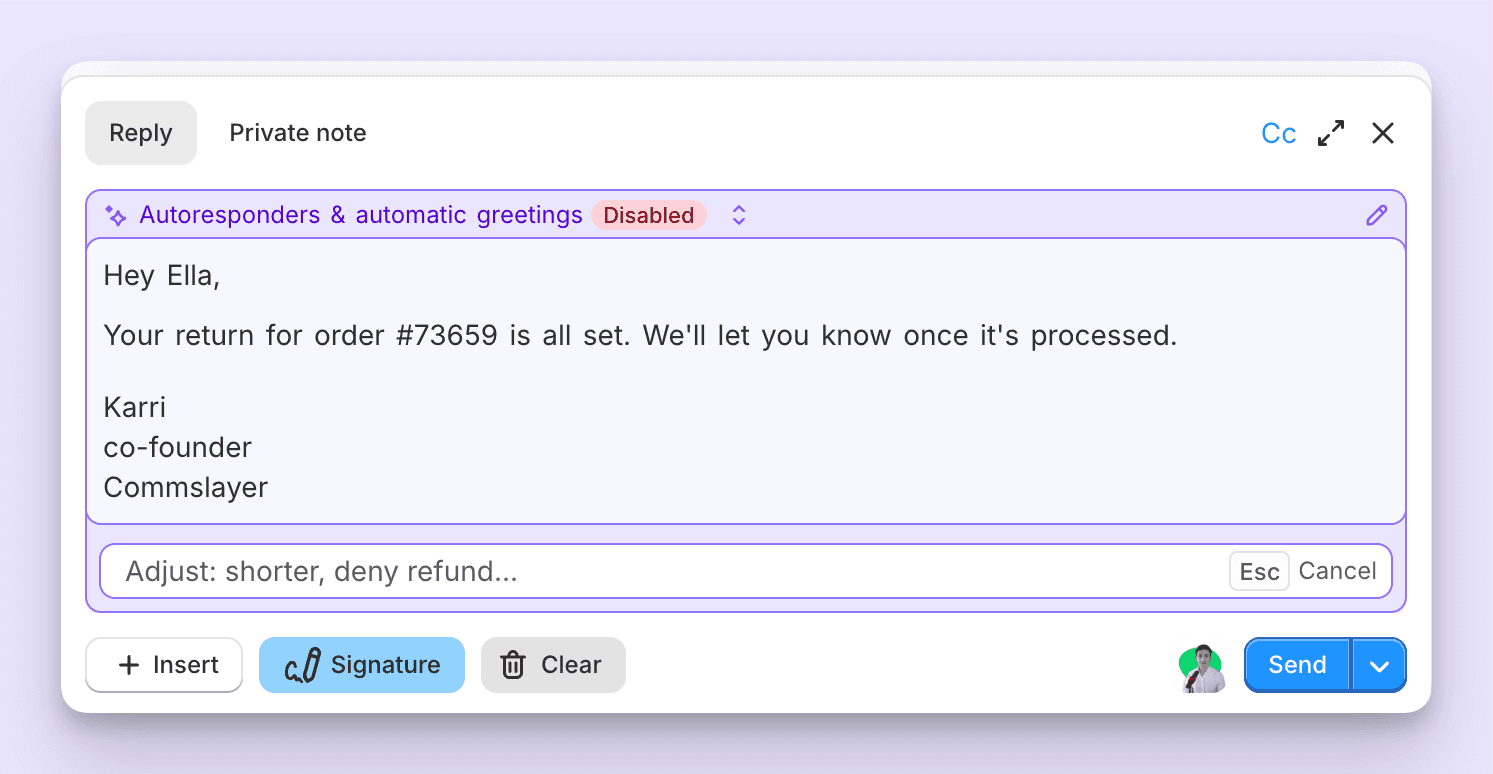
A top complaint for a long time has been that the AI drafts are not as good as the AI agent and don't follow the guidance. We've then mumbled something about the drafts being a separate "stupid" system from the AI agent, followed up with long architectural descriptions and ensured that the other side left the conversation even more confused.
Our CTO rebuilt the drafts and the editor to use the same system the AI agent uses. We call these "v2 drafts." If you signed up in the last ~3 weeks, you were likely already on the new drafts. Congrats on never having to experience the old ones.
What you need to know:
To generate a draft, hit Cmd + J (if you don't have autogeneration enabled).
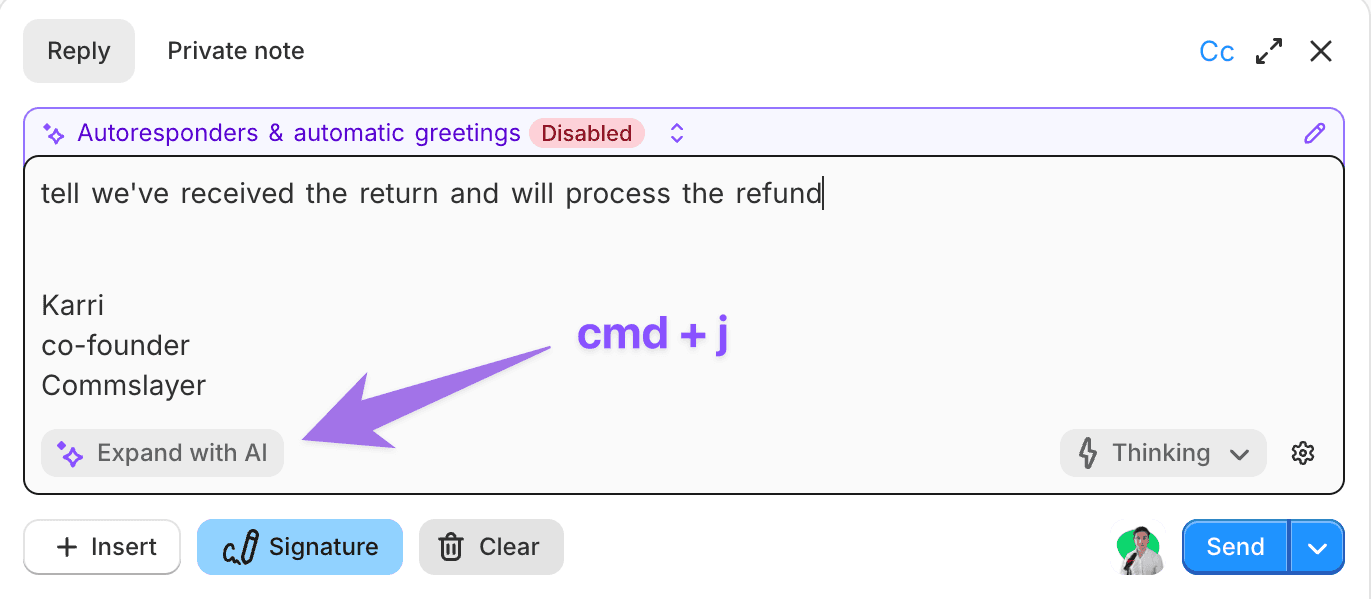
Killer feature: type a short prompt into the text editor (e.g. "we won't refund", "ask to send pictures"), hit Cmd + J, and the agent writes a full reply based on your prompt
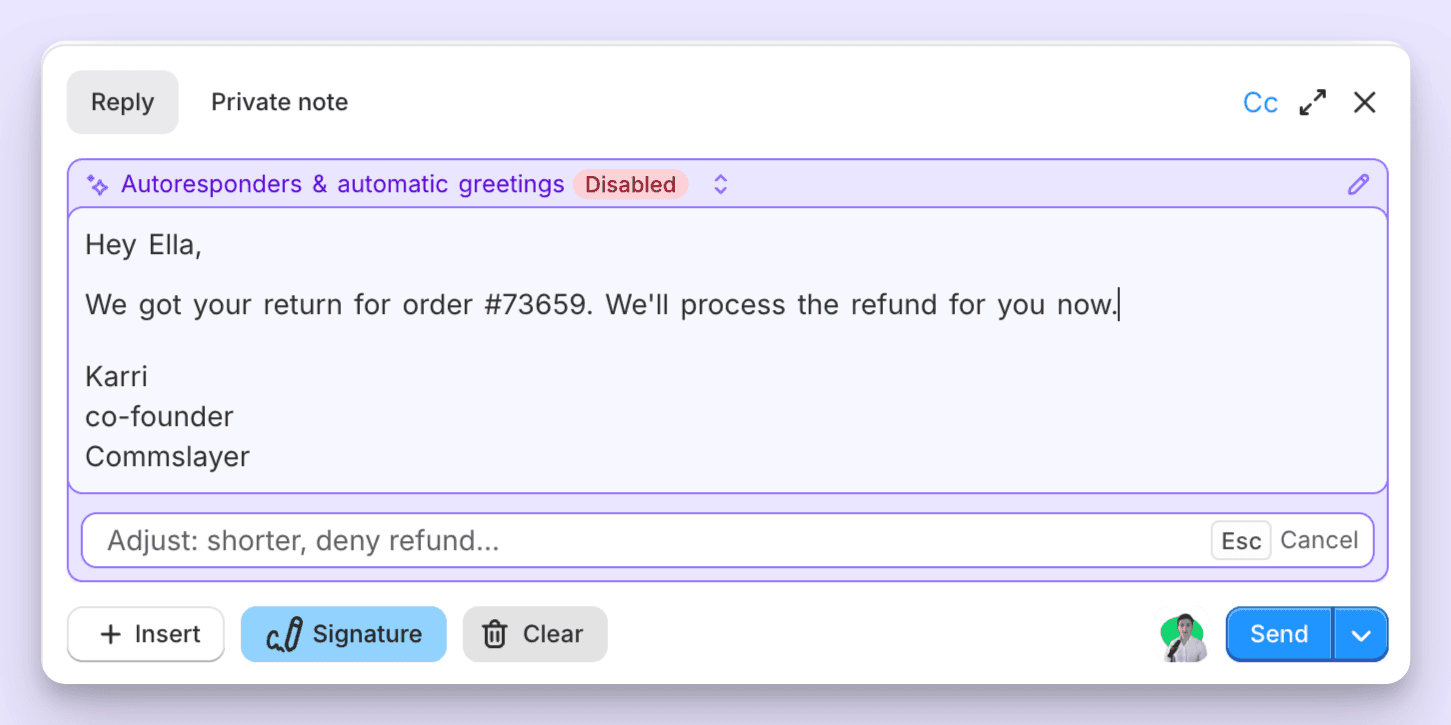
Here’s the result (you’ll get the idea):
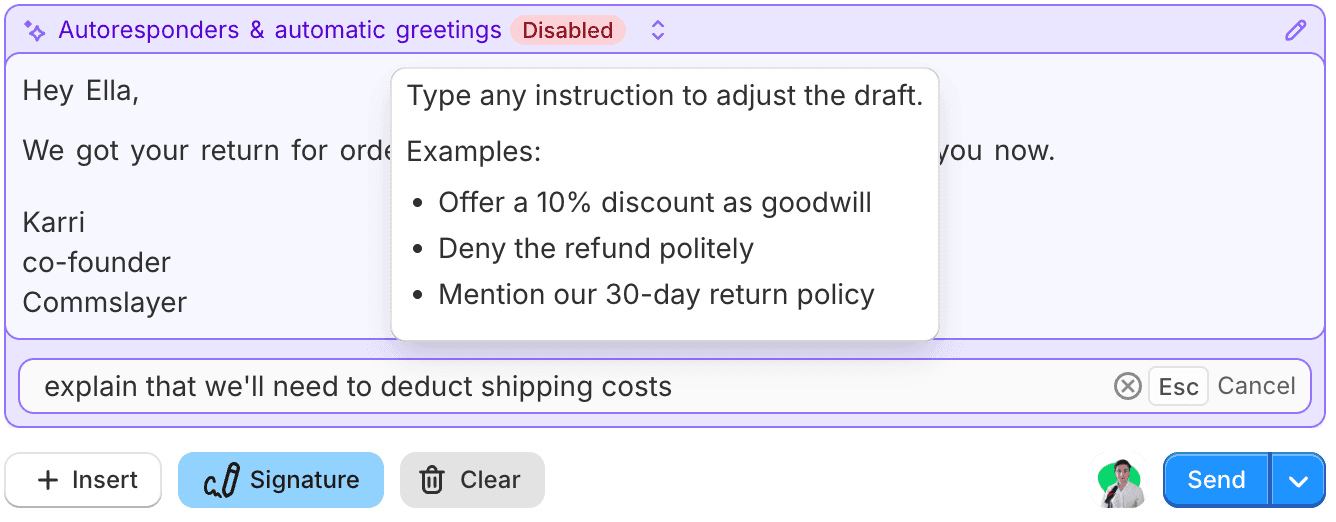
Want to edit the draft? Type further edits into the modifications field
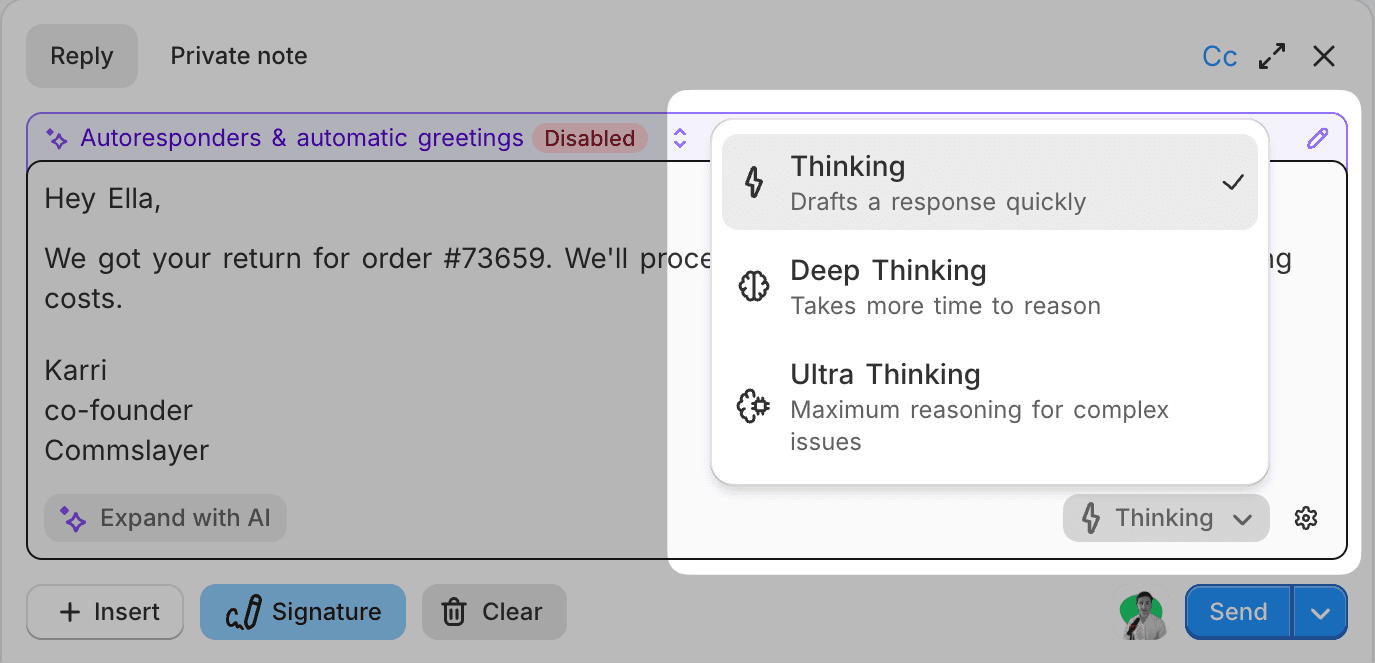
There are controls for the amount of "thinking" used for pre-generated drafts. If you generate a draft on the fly, you can control it from the dropdown:
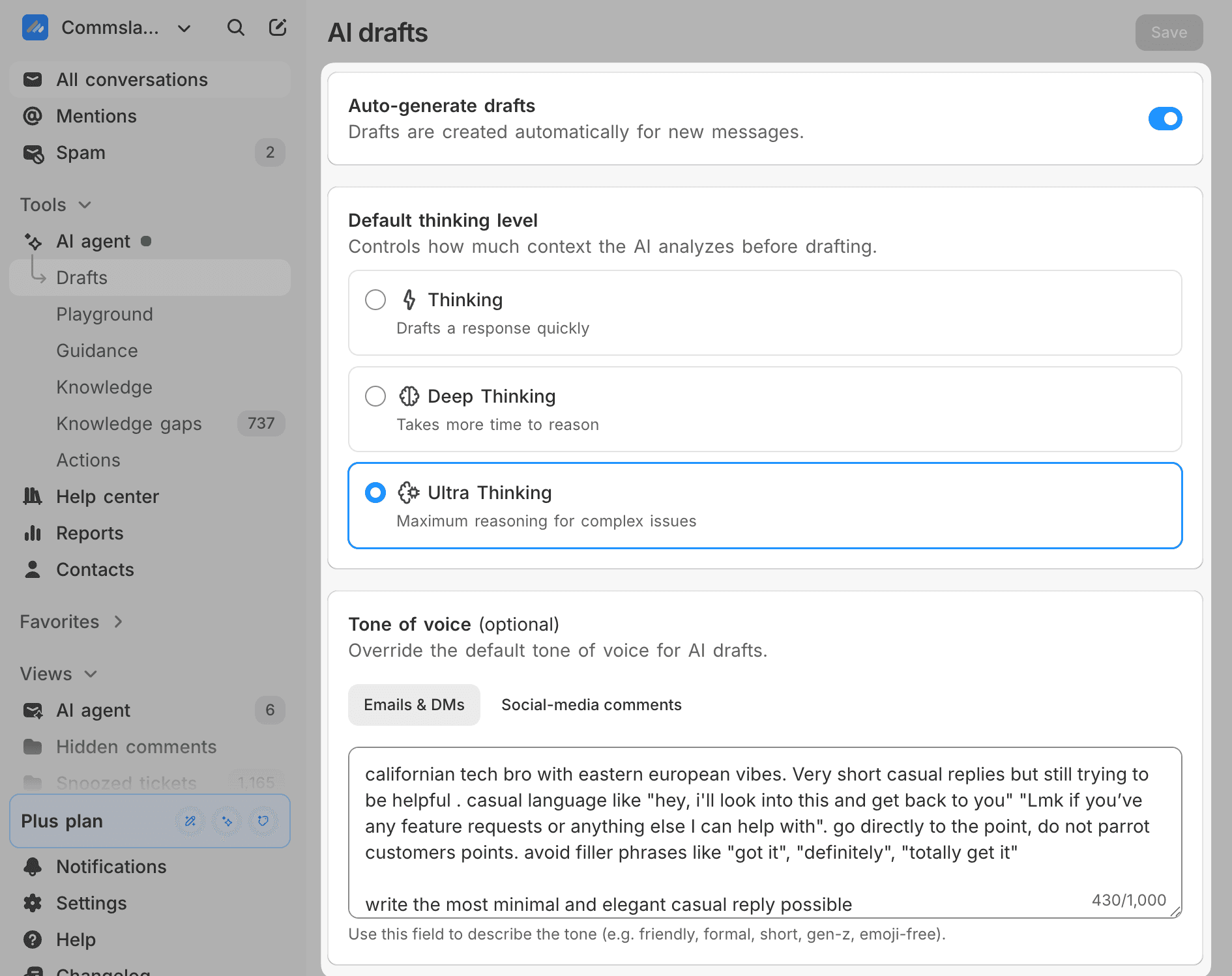
You can now enable and disable draft autogeneration in AI Agent -> Drafts. Please also check your tone setting, it’s a separate setting from the one used for the AI agent:
Google Sheets/Docs sync to knowledge
You can now link files from your Google account to the AI agent's knowledge. We update the info once per day.
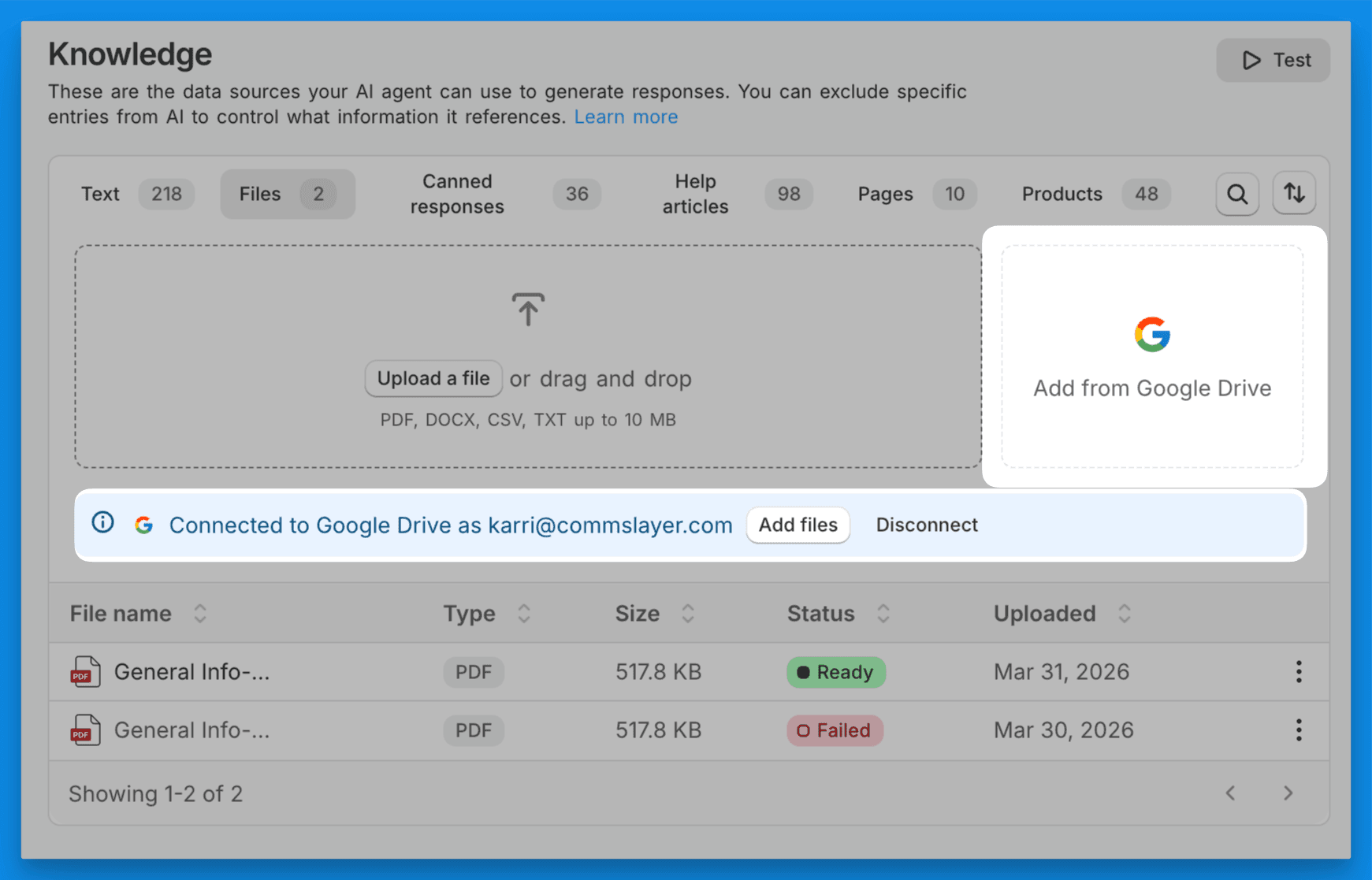
Useful for things like shipping data spreadsheets and SOPs.
Set it up in AI Agent -> Knowledge -> Files
-Karri / cofounder