Voice AI that answers your store’s phone
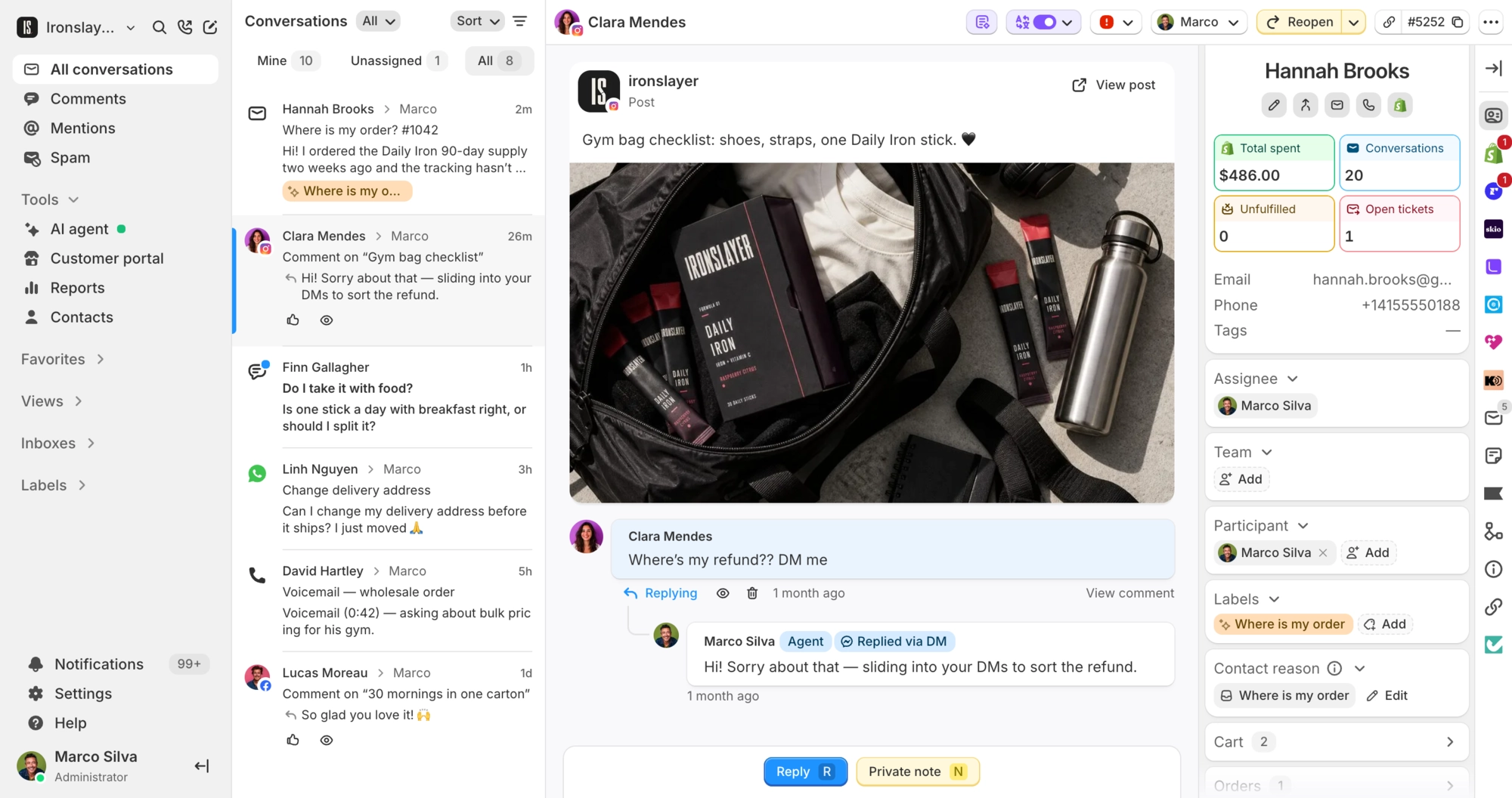
The AI agent on your email and chat answers your phone too, with the same knowledge and order actions.
4.9 on the Shopify App Store Book a demo




















One AI agent for chat, email and phone
There is no second agent to set up or train. Calls go to the one you already run on email, chat and DMs.
Meet the AI agent- Same knowledge. It answers from your help articles, training responses and Shopify catalog, the sources it already uses on chat.
- Same actions. Cancels orders, changes addresses, adds or removes items, reships and changes subscriptions in Recharge, Loop, Skio and more, within the conditions you set.
- Same rules. Tick Voice under Apply to channels and a rule runs on calls too. You can also write rules that only run on the phone.
You turn it on for each phone number in Settings.

What happens on a call
It recognizes the caller, speaks the language you set for the number, and connects them to your team when they ask for a person and someone is online.
-
Answers calls at any hour
It picks up when nobody is at a desk, nights and weekends included. The call lands on the caller’s conversation with the transcript.
-
Recognizes the caller
When the number matches a Shopify customer, it pulls up their orders, so nobody spells out an email address. Callers can also type an order number on the keypad.
-
Hands over to your team when asked
Callers press 0 or ask for a person. If a teammate is online, their browser rings with the transcript already on the ticket. If nobody is, the agent says so and offers to take a message or keep helping.
See phone support -
Speaks the language you set
Each number gets its own spoken language and voice, from 13 languages and 9 voices. Every greeting opens by saying it is an AI assistant.
Set up calls for the rules where you sell
Each phone number has its own settings for recording, the notice callers hear and how long call data is kept.
- AI disclosure. When the AI answers a call, its greeting tells the caller they are speaking with an AI assistant. This cannot be turned off.
- Call recording. Record and transcribe answered calls, or turn recording off for the number.
- Recording notice. By default, callers hear a notice before anything is recorded. You can change the wording.
- Retention. Pick how long recordings and transcripts are kept, from 30 days to 3 years, or until the conversation is deleted.
- Contact data. Deleting a contact deletes their call recordings and transcripts. Admins can download every message, recording and transcript held for a contact.
$0.20 a minute on top of the call rate
Calls the AI answers are pay as you go with a current paid plan, and each call rounds up to the next minute.
AI agent
8 overnight hours
- 10 calls × 3 min × $0.20 $6
- Call rate Varies by country
- Hours with no calls $0
Total for the night $6 + call rate
Outsourced agent
The same 8 hours
- 8 hr × $8/hr* $64
- Call rate Varies by country
- Hours with no calls Paid in full
Total for the night $64 + call rate
A person on an 8-hour shift costs $64 whether 10 calls come in or none. The AI bills only the minutes callers are on the line, so 10 calls of 3 minutes come to $6 and a night with no calls costs $0. The regular call rate is billed on top whether the AI or a person answers.
*Assumes an outsourced support agent at $8 an hour, near the low end of published fully loaded rates for Philippines-based ecommerce support, paid for the whole shift. Both columns exclude your phone number’s monthly fee.
- The call is also billed at the regular call rate, which depends on where it goes. Spoken replies do not use AI agent messages. Actions like an order edit do, and the call counts as one billable conversation, the same as on chat.
- The AI rate and the call rate both count toward your spending cap, or a monthly limit you set per number.
- Each phone number is billed monthly.
“Been watching the roadmap for over a year whilst trying to take the leap of faith to switch and when I saw the speed of development vs Gorgias it became a no brainer. Price as well, not comparable. CS wins”

David Richards
Founder, The Strap Tailor

Is it the same agent as the one on chat?
Yes, with the same persona, knowledge, actions and Shopify order context. It answers incoming calls only and does not call customers back.
Do my rules work on calls?
Yes. Tick Voice under Apply to channels on any rule you want on calls. New rules start with Email, DMs and Chat ticked, so add Voice where you need it. You can also write rules that only run on the phone.
What can it do during a call?
Look up orders and tracking, cancel an order, change the shipping address, add or remove items, reship, hold fulfillment and run your custom actions. With Recharge, Loop, Skio, Appstle, Stay AI or Kaching installed, it can also cancel, pause, skip or reschedule subscriptions, depending on what each app supports. The conditions you set on each action still apply.
Does it wait for approval before acting?
No. A caller cannot stay on hold while someone approves a reply, so calls skip approvals and enabled actions run straight away, within their conditions. If an action should not run without a person, tighten its conditions or switch it off.
How do callers reach a person?
They press 0 or ask for one. If a teammate is online, their browser rings with the transcript on the ticket. If nobody is online or nobody picks up, the agent says so and offers to take a message or keep helping.
Does it tell callers they are talking to an AI?
Yes. Every greeting opens with a short notice that the caller is talking to an AI, and it cannot be turned off. If your own greeting leaves it out, Commslayer plays the notice first. Calls are recorded by default after a notice you can reword, and you can turn recording off per number.
Which languages and voices can it use?
Each number gets its own spoken language and voice. There are 13 languages: English (US, UK or Australian), German, French, Spanish, Italian, Dutch, Portuguese (Brazil or Portugal), Swedish, Danish, Norwegian, Finnish, Polish and Japanese. Pick one of 9 voices or the default for the language. Call summaries are written in English.
How much does it cost?
$0.20 per minute for calls the AI answers, on top of the regular call rate, which depends on where the call goes. It is pay as you go with a current paid plan, and each call rounds up to the next minute. Actions it takes during a call count toward your AI agent messages. A call with the AI can last up to 30 minutes. It works on numbers you buy in Commslayer, which are billed monthly, and not on numbers connected through Aircall. Voice AI is not available on the Free plan or legacy plans.
Can I cap what it spends?
Yes, and you need to before it answers. The AI rate and the call rate both count toward your pay-as-you-go spending cap, or toward a monthly limit you set on the number, and the AI only picks up once one of them has room. When the budget runs out, calls go to your normal phone setup instead: your team’s browsers, your phone menu or voicemail.
Can I try it before customers call?
Yes. Talk to the agent from your browser in the AI Playground, free of charge. The Playground uses a stand-in voice, so it tests what the agent says rather than how your phone line sounds. When you are ready, open the number in Settings → Inboxes and turn on AI voice agent.
Ready to try?
Turn Voice AI on for one number with a spending limit, then call it yourself.
- Free plan
- 14 day trial on paid plans
- Cancel anytime