Customer merge suggestions, chat widget translation, and more
Revamped ticket merge, the chat widget speaks your visitor’s language, and a round of AI and helpdesk updates.
Helpdesk
Revamped ticket merge
Duplicate tickets pile up over time: a customer emails from two addresses, places an order with a different phone number, or gets imported from another helpdesk. Until now, finding and merging those profiles was a manual hunt.
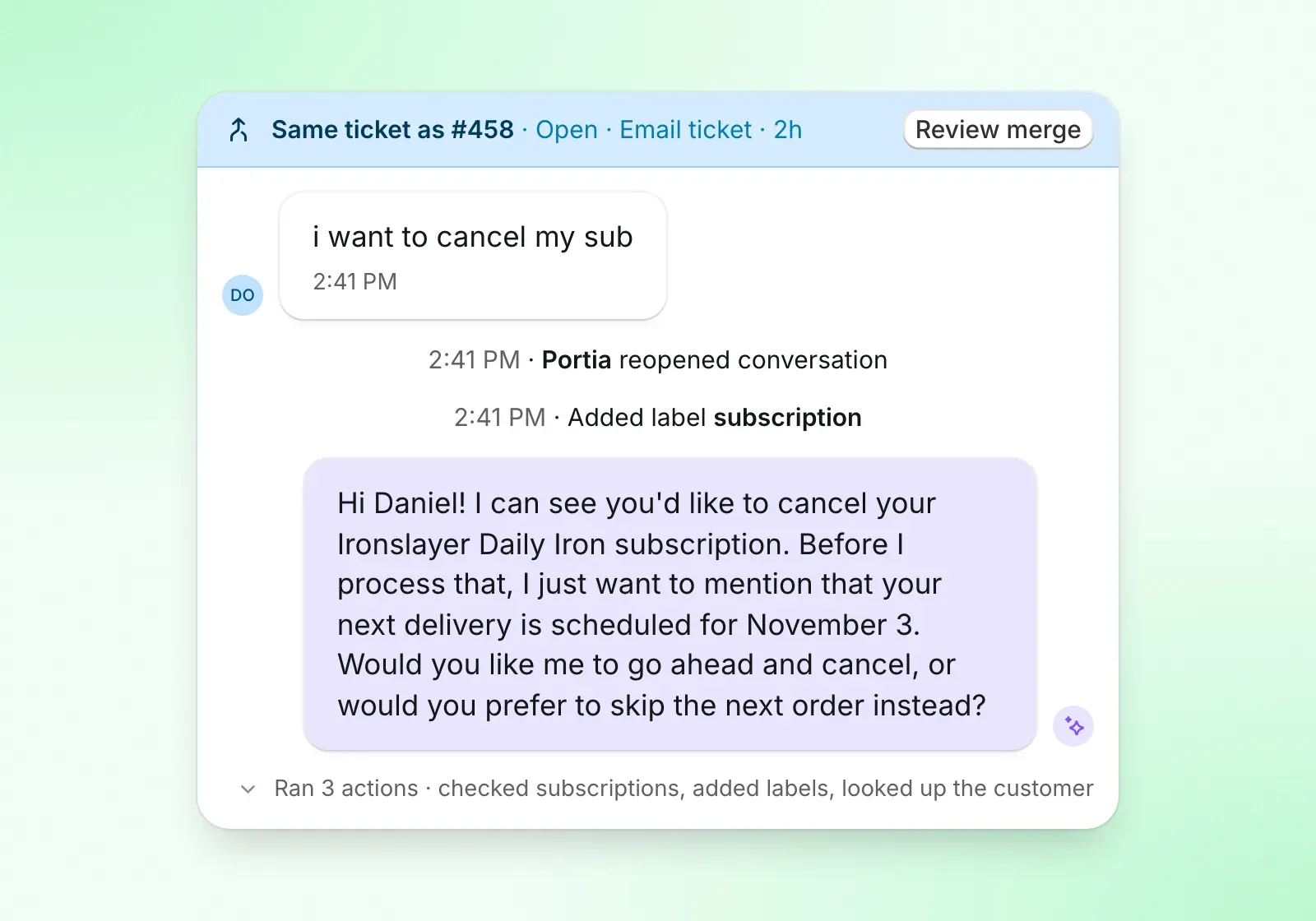
Commslayer now makes both ticket and contact merge suggestions based on matching Gmail inboxes, order-verified emails and phone numbers, shared names and shipping addresses. We’ll show them at the top of the ticket so it’s easy to see and merge. Also includes unmerge in case you need to rollback.
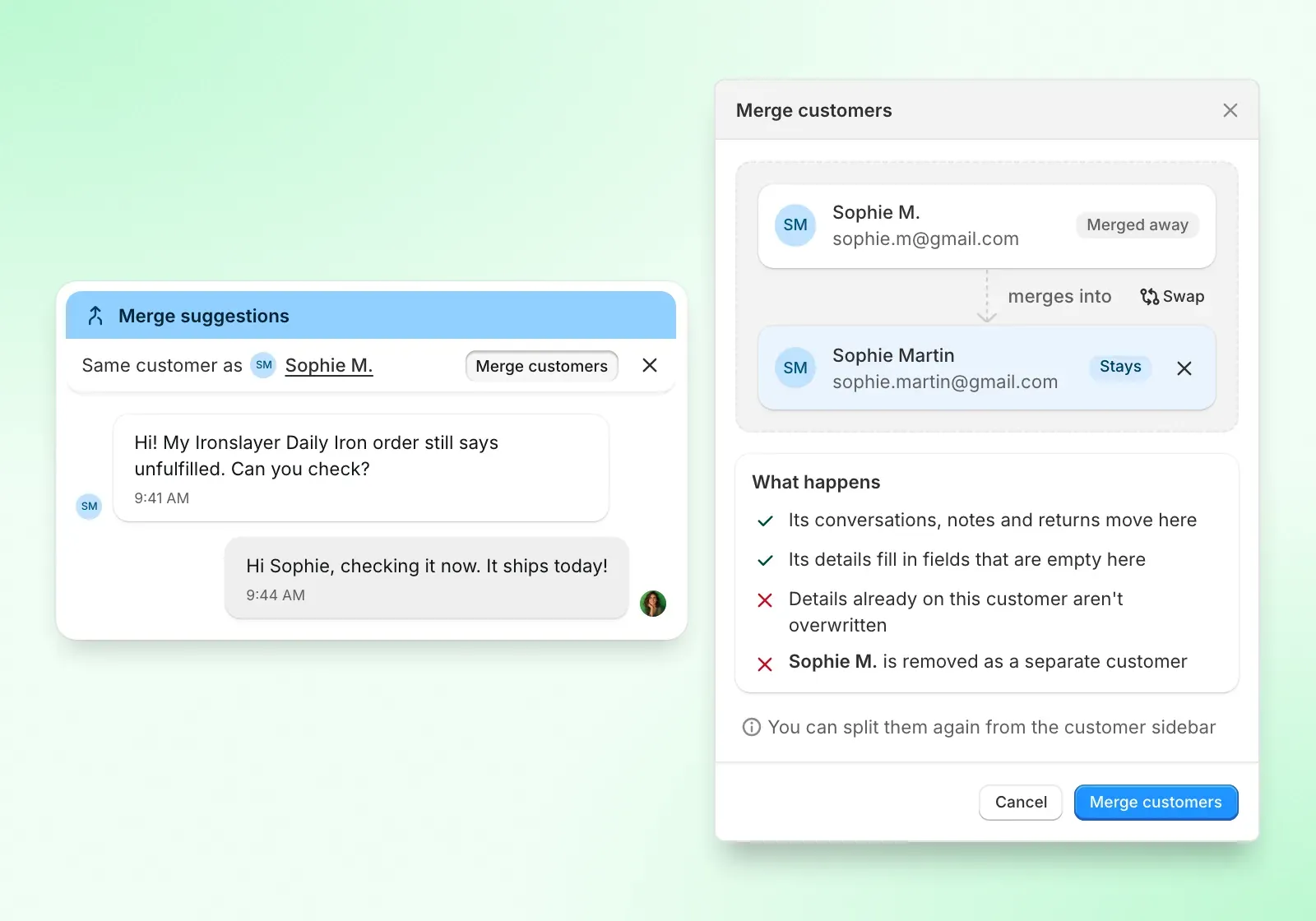
Merging conversations is also faster: select multiple tickets in the sidebar and merge them from the bulk actions menu.
Channels and integrations
Chat widget auto-translation
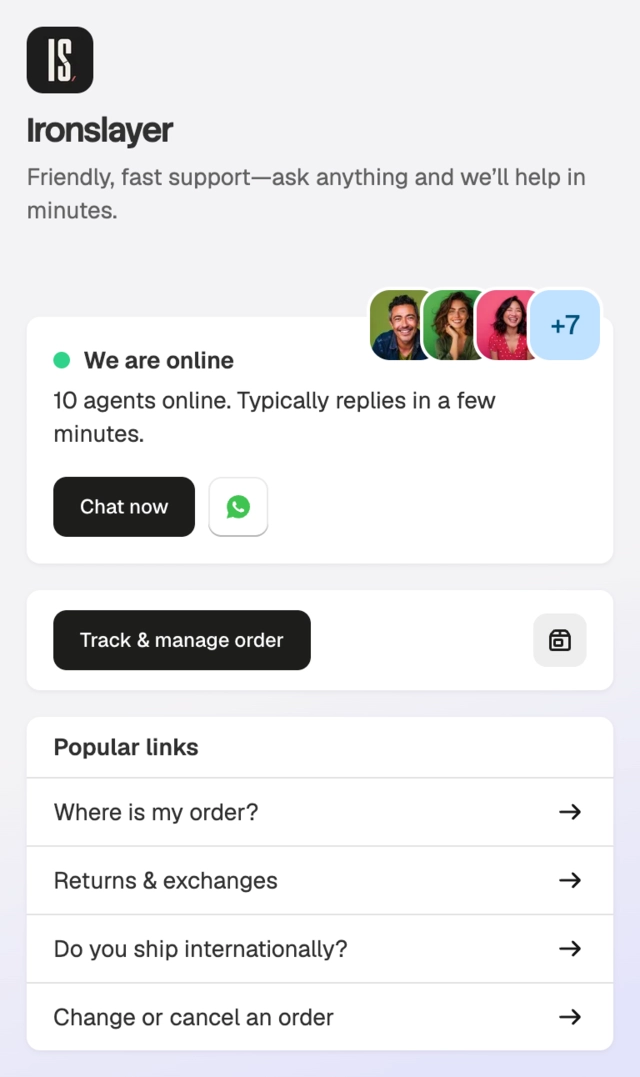
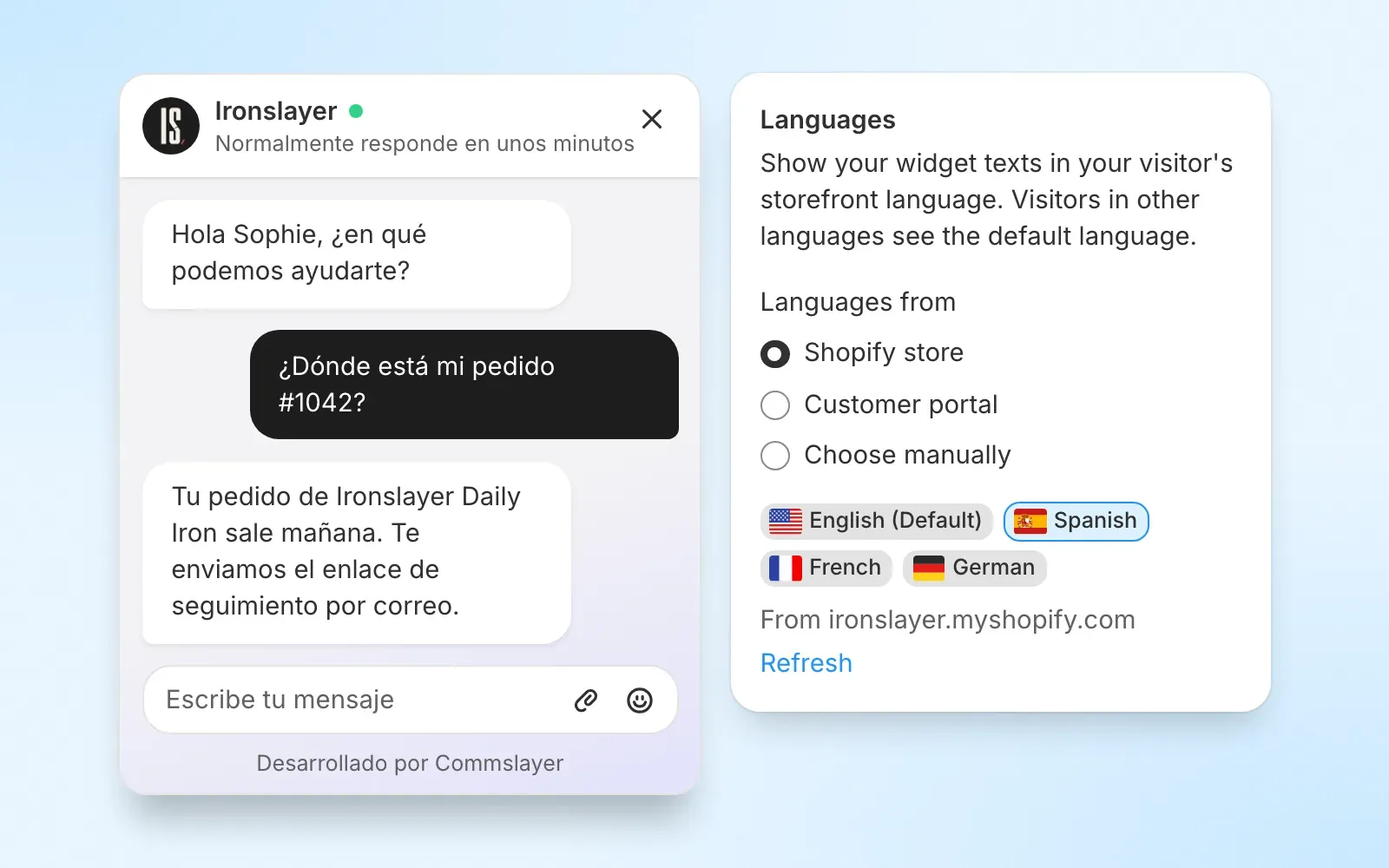
The chat widget now auto-detects the visitor’s browser language and shows all widget text in that language. 52+ languages supported.
Everything the visitor sees translates: buttons like “Send” and “Submit”, team status, reply time indicators, form elements, date pickers, and the chat header. Prices, dates, and country names format in the visitor’s locale too.
Three ways to configure which languages your widget supports:
- Shopify: auto-syncs from your Shopify store’s published languages.
- Portal: auto-syncs from your customer portal’s allowed locales.
- Manual: pick which languages to support yourself.
Set it up in Settings → Inboxes → (web widget inbox) → Languages. You can override the default copy per language for the welcome title, tagline, greeting, and pre-chat message, and set a default language as fallback.
AI agent
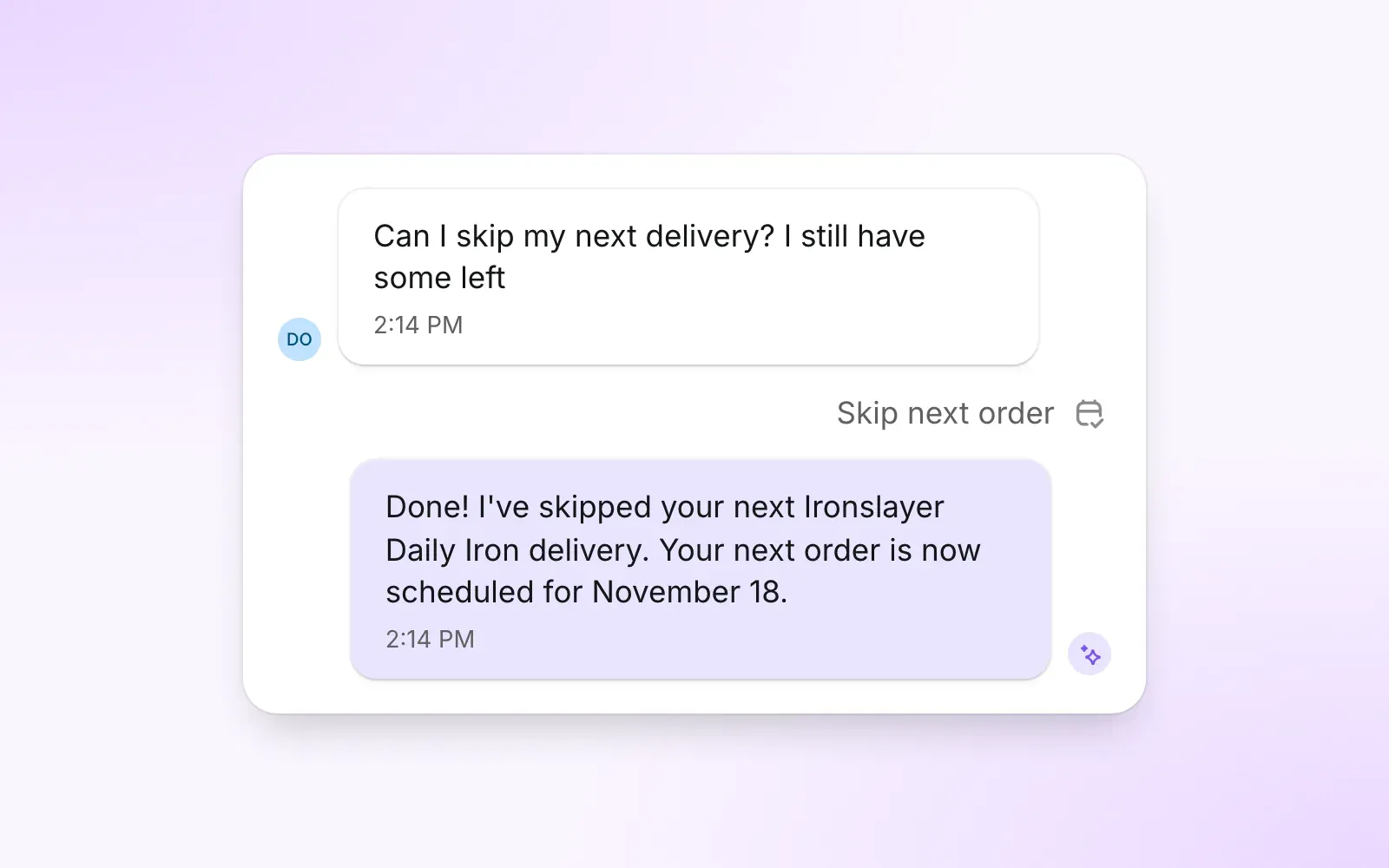
Skip next subscription order on Recharge, Skio and Kaching
The AI agent can now skip a customer’s next subscription order, although the action is off by default. Enable it in your AI agent settings whenever you want!
Variant metafields and selling plans
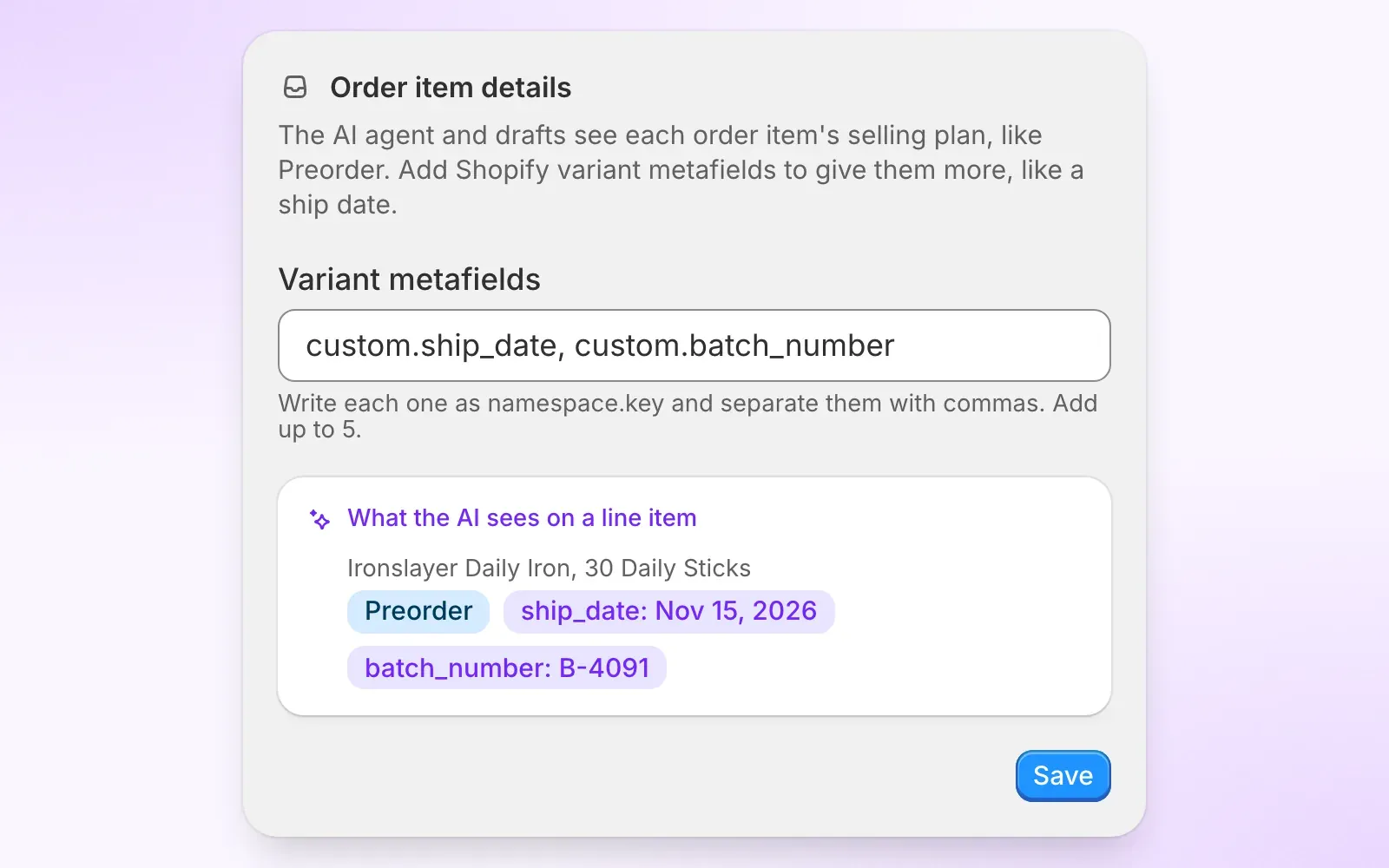
The AI now sees more detail on each order line item:
- Selling plan name shows on every line item automatically.
- Variant metafields specified by the merchant, up to 5 keys in
namespace.keyformat.
Configure which metafield keys to include in Settings → AI agent → Order item details. No keys are configured by default.
Smarter handover on same-matter replies
When a customer emails about the same matter as an existing conversation, the AI now checks whether the assigned agent has been active in the dashboard within the last 15 minutes. If not, the ticket goes to the team queue instead of sitting on an offline agent’s plate.
Bring your own AI
Claude plugin
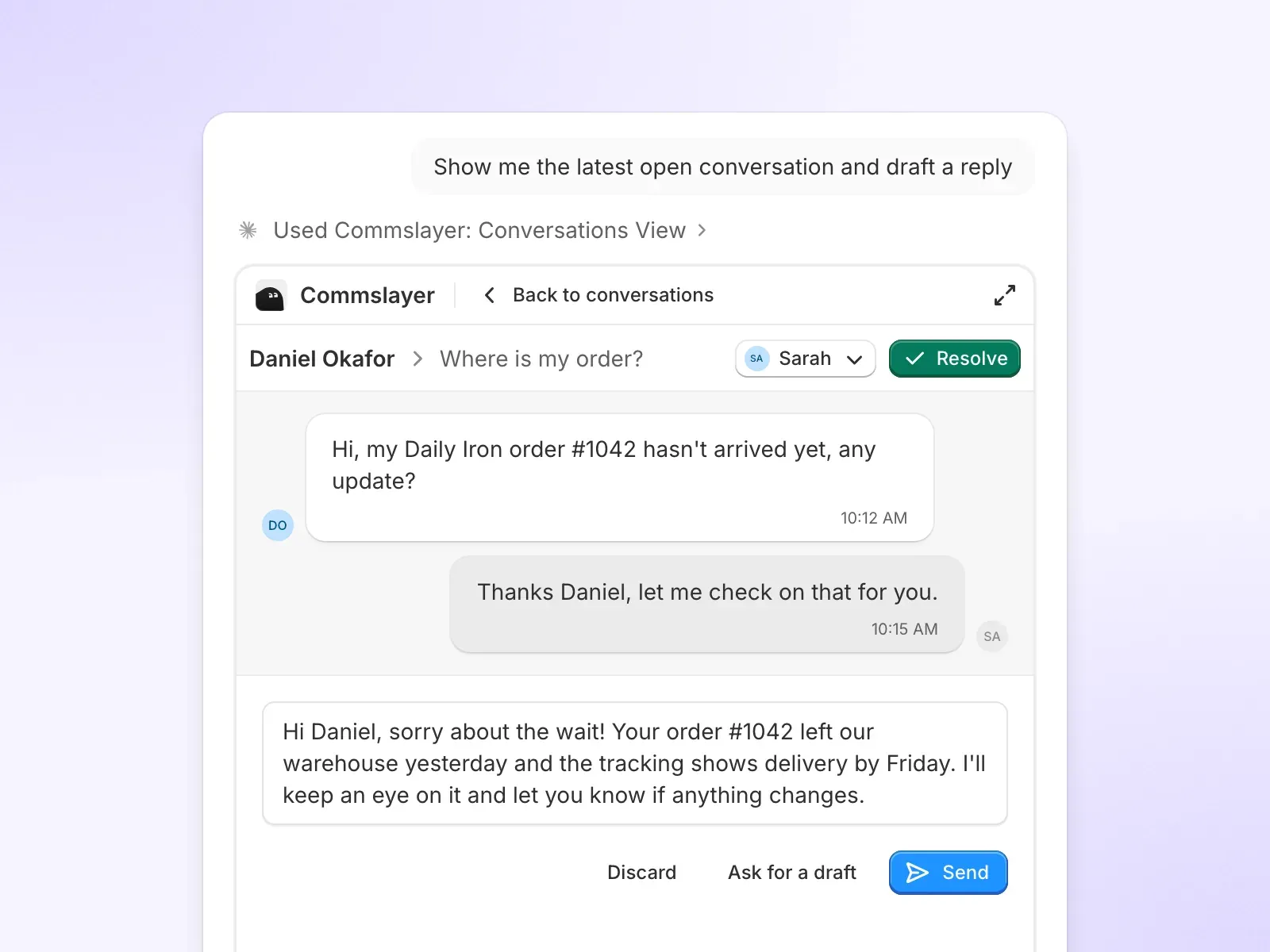
Commslayer is now in the Claude plugin directory. Install with one click from Settings → AI Assistants instead of copying MCP server URLs, or directly from the plugin directory. The new plugin allows you to interact with Commslayer directly from Claude, without needing to open the dashboard (SaaSpocalypse much?)
Call transcripts, metadata and voice spend
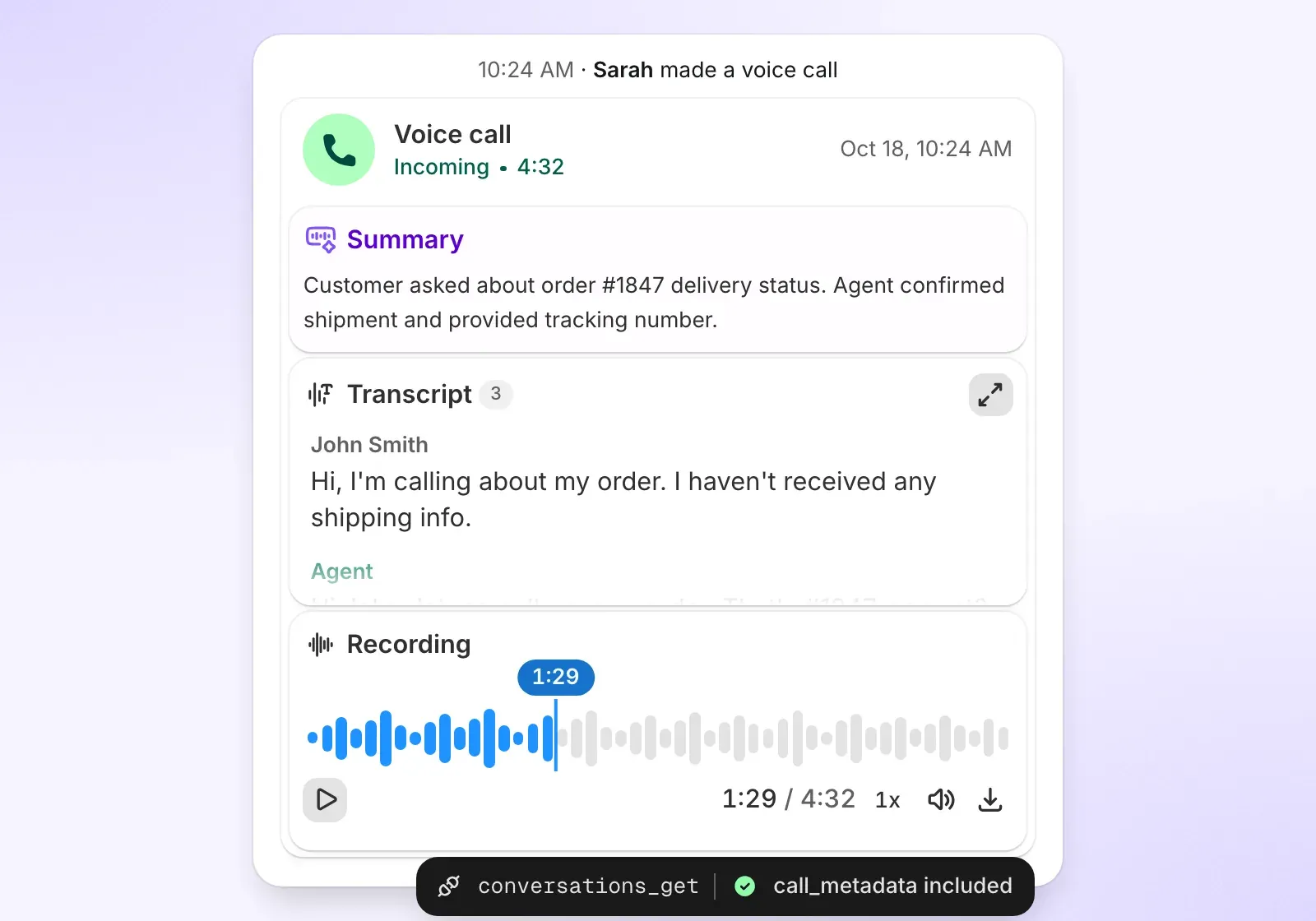
Call metadata is now exposed on all API and MCP surfaces: direction, status, duration, wait time, agent, phone numbers, transcription, summary, language, and timestamps for when the call started, was answered, and ended.
Voice spend is now in the API (available as an MCP tool and a REST endpoint) returns your inbound and outbound usage split, telephony vs AI voice breakdown, spending cap, and per-number limits.
A new call.transcribed webhook event fires after transcription completes, so external systems can pick up the transcript without polling.
Bug fixes and smaller improvements
- The AI agent’s subscription lookup now includes the current frequency, so it no longer suggests the same frequency or falsely reports a change.
- Conversation controls no longer get cut off on mobile browsers.
- HEIC images from iPhones now display inline in conversations instead of showing a generic file icon.
- The CSAT report now shows only the agents you filter for, instead of including extra agents who were previously assigned to the same tickets.