Changes to the text editor behavior
After dozens of requests to make the text editor (the reply box you write your message in) match Gmail, we rebuilt how it handles line breaks.
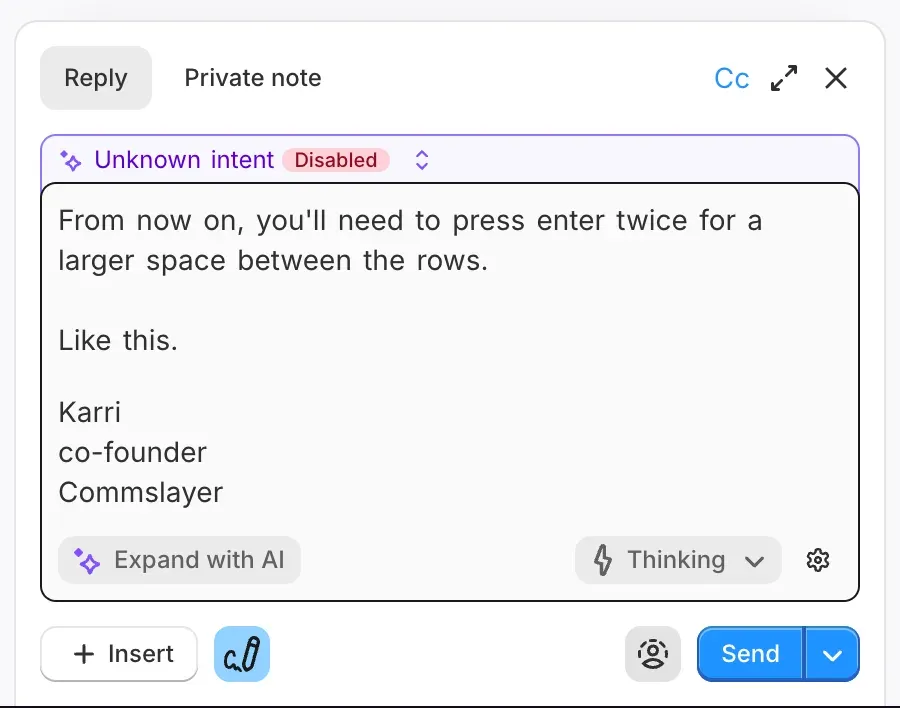
From now on, press Enter twice to add a larger space between rows. A single Enter gives you a tight line break, exactly like Gmail.
This will take a day to adjust your muscle memory and it will feel off at first. But the editor now works exactly like Gmail’s native editor: press Enter and you get the same result you’d get in Gmail. What you write is what your customer sees. Hard to argue that we shouldn’t follow what they do, right?
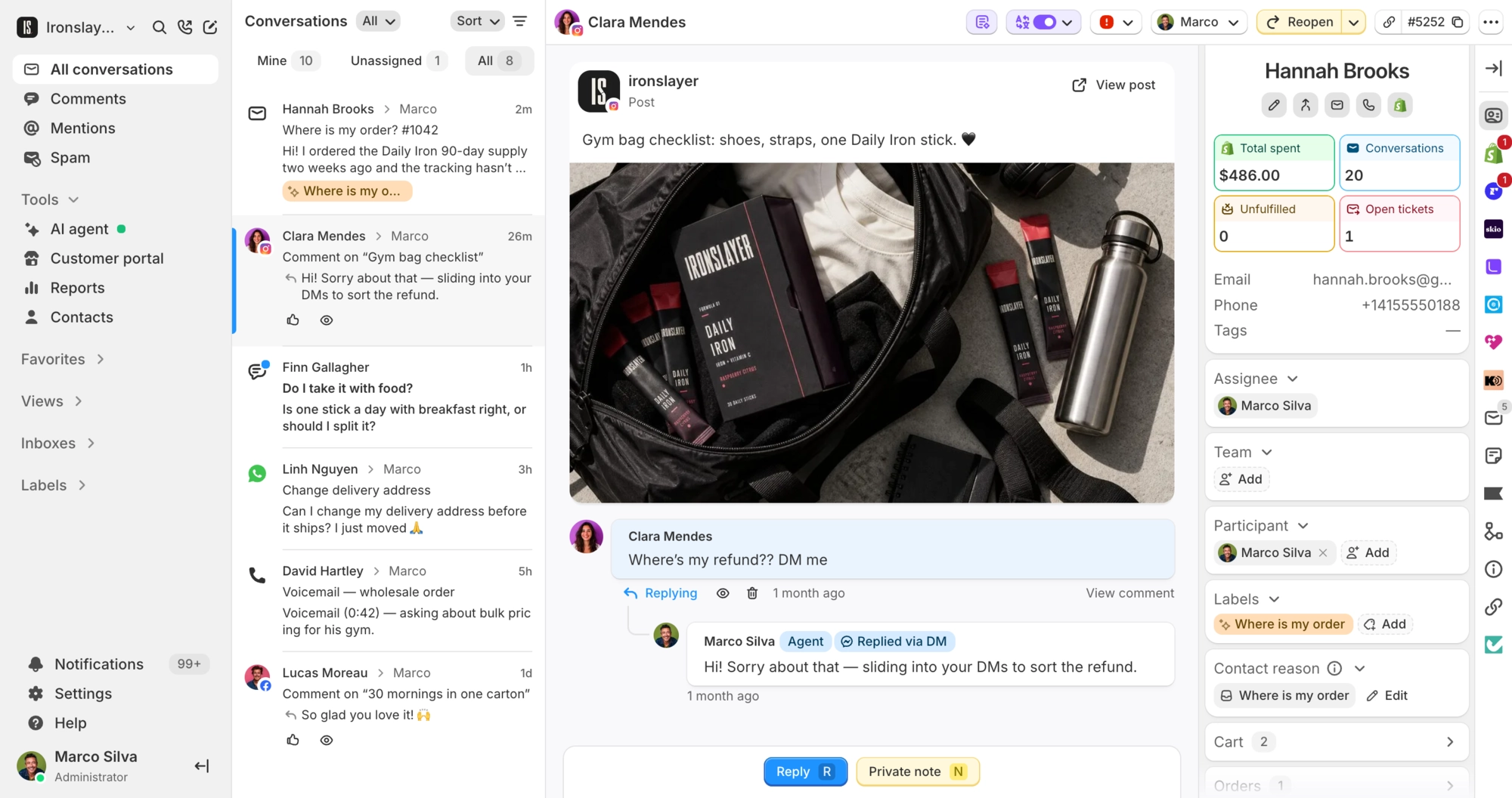
Hard refresh your browser (cmd + shift + r, or ctrl + shift + r on Windows) so your ticket preview looks the way it should.