Your helpdesk, on your phone
Reply to customers and approve AI drafts from the Commslayer app for iPhone and Android.
























What the app does
It runs on the same account as Commslayer on the web.
-
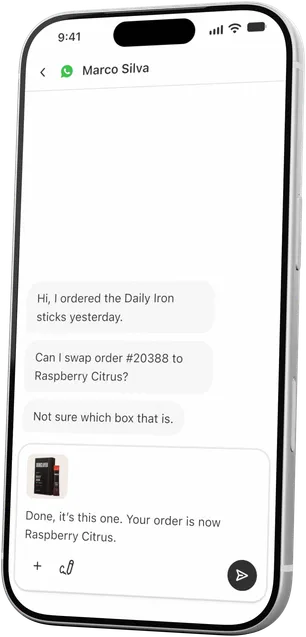
Inbox and replies
Every channel lands in one list. Reply with macros, canned responses and photos.
-
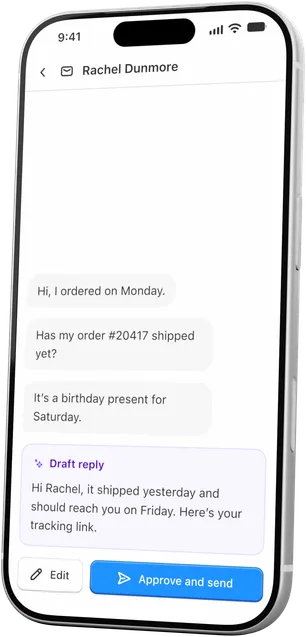
Approve AI drafts
When your AI agent asks before it replies, approve the draft or edit it first.
-
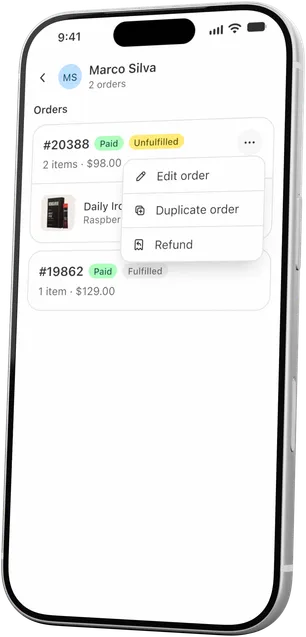
Shopify orders
See the order next to the conversation, then edit, refund or duplicate it.
-
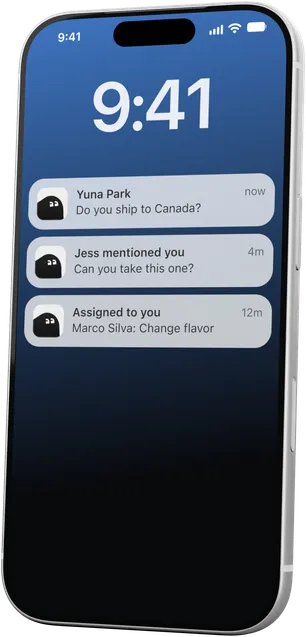
Push alerts
Get a push notification for new messages, mentions and assignments.


Questions about the app
 Book a demo
Does the app cost extra?
No. It’s included in every Commslayer plan.
Who can use it?
Any teammate with a Commslayer login. There’s no sign-up in the app.
How do I log in?
With your email and password, or with Google. If you’ve only used Commslayer inside Shopify, tap “Forgot password” to set a password first.
Can every teammate edit or refund orders?
Admins can turn order actions off for each teammate. Order actions also need a connected Shopify store.
Which phones does it run on?
iPhone and Android. Download it from the App Store or Google Play.