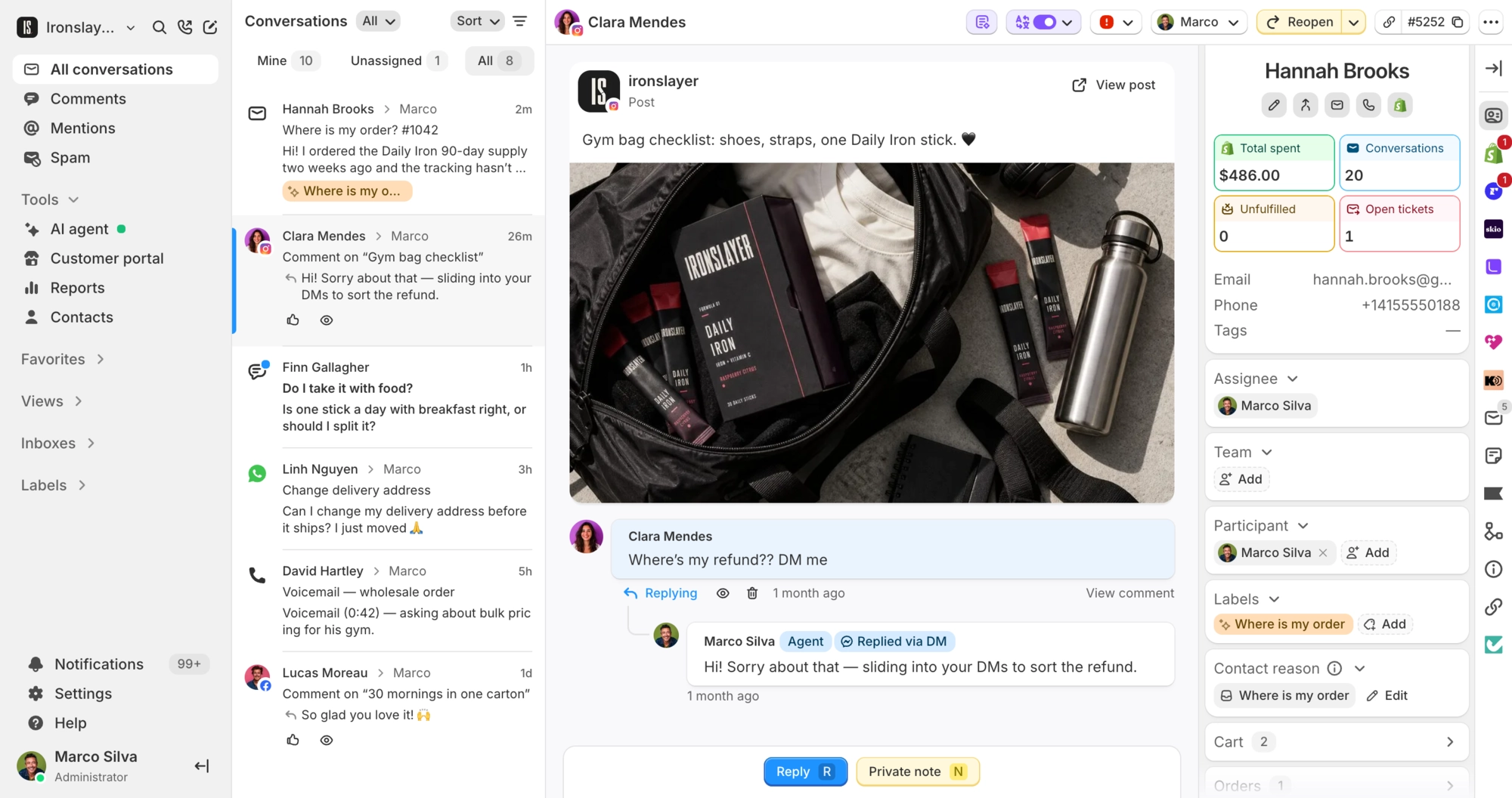
Introducing order editing
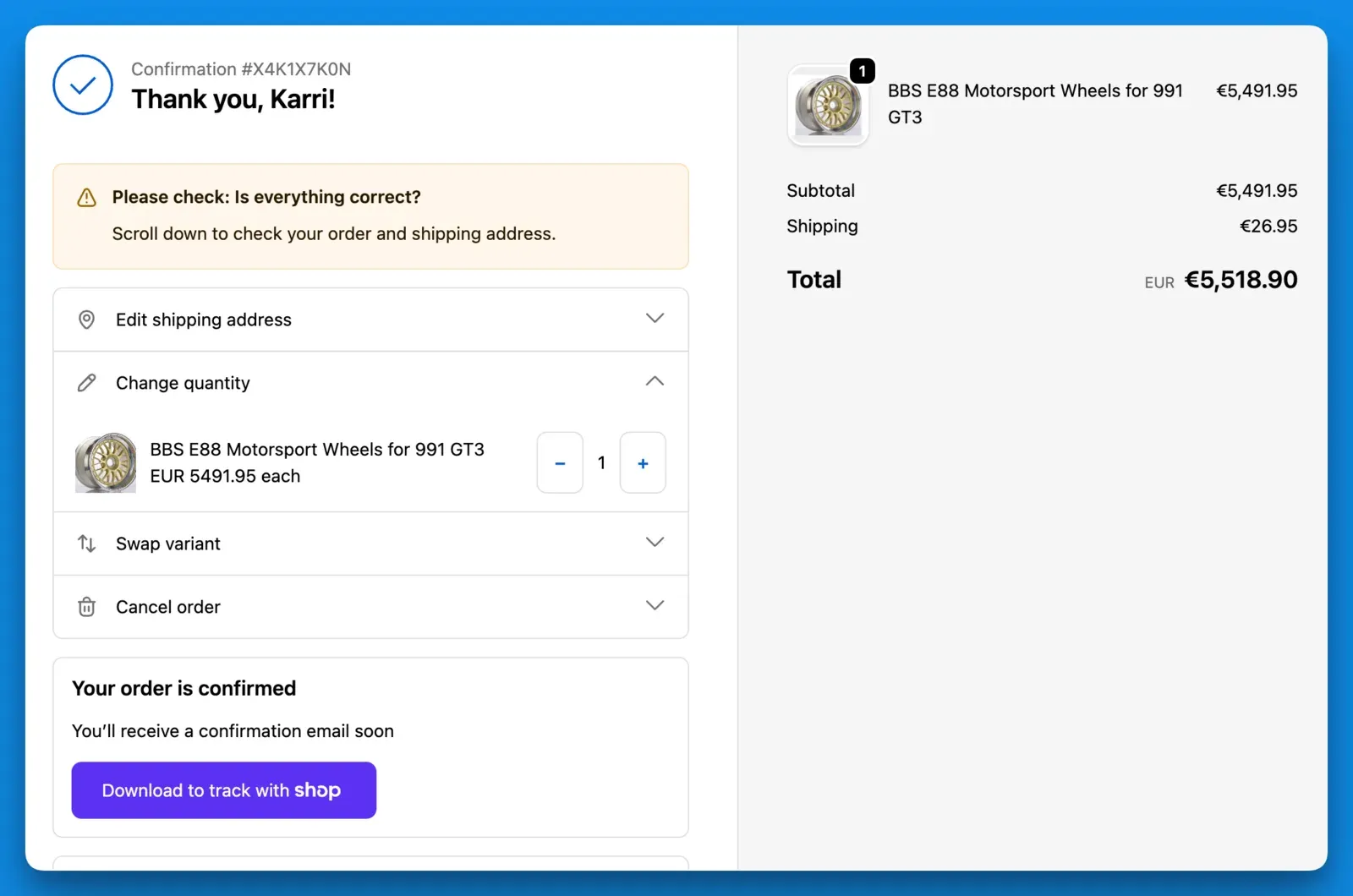
Customers can now self-serve edit orders on chat and the checkout thank you page.
Check out the launch video if you haven’t already: https://www.linkedin.com/posts/karrikoivuniemi_introducing-orderslayer-aka-customers-can-ugcPost-7443283317489168384-Mpse
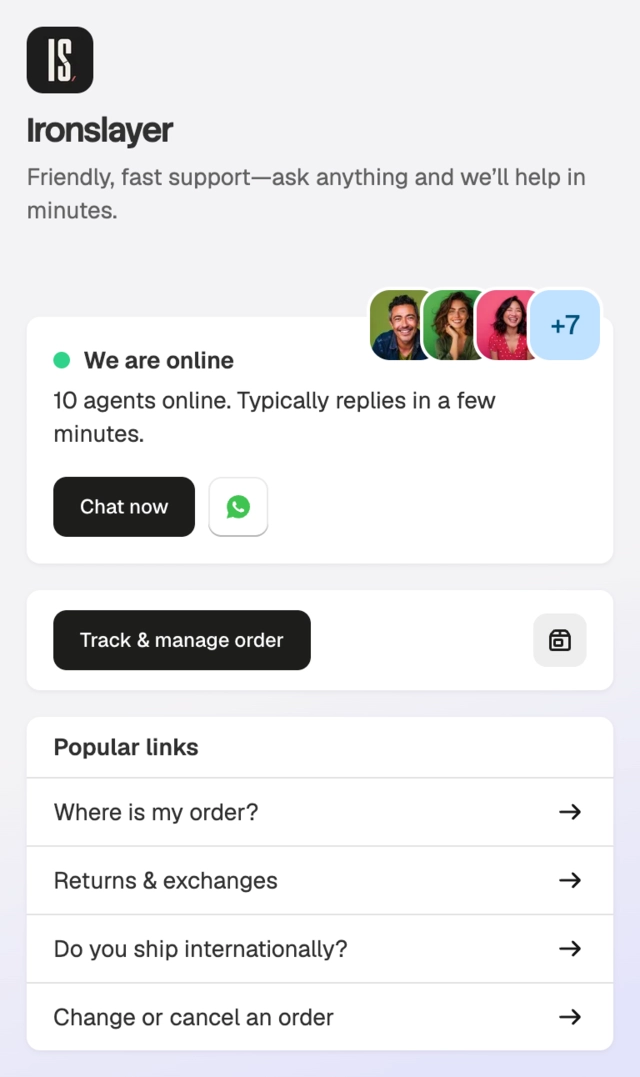
The old “Track order” section in the chat widget is replaced with the new order editing view. Tracking is still there, but customers can now also act on their orders.
On checkout:
And on chat:
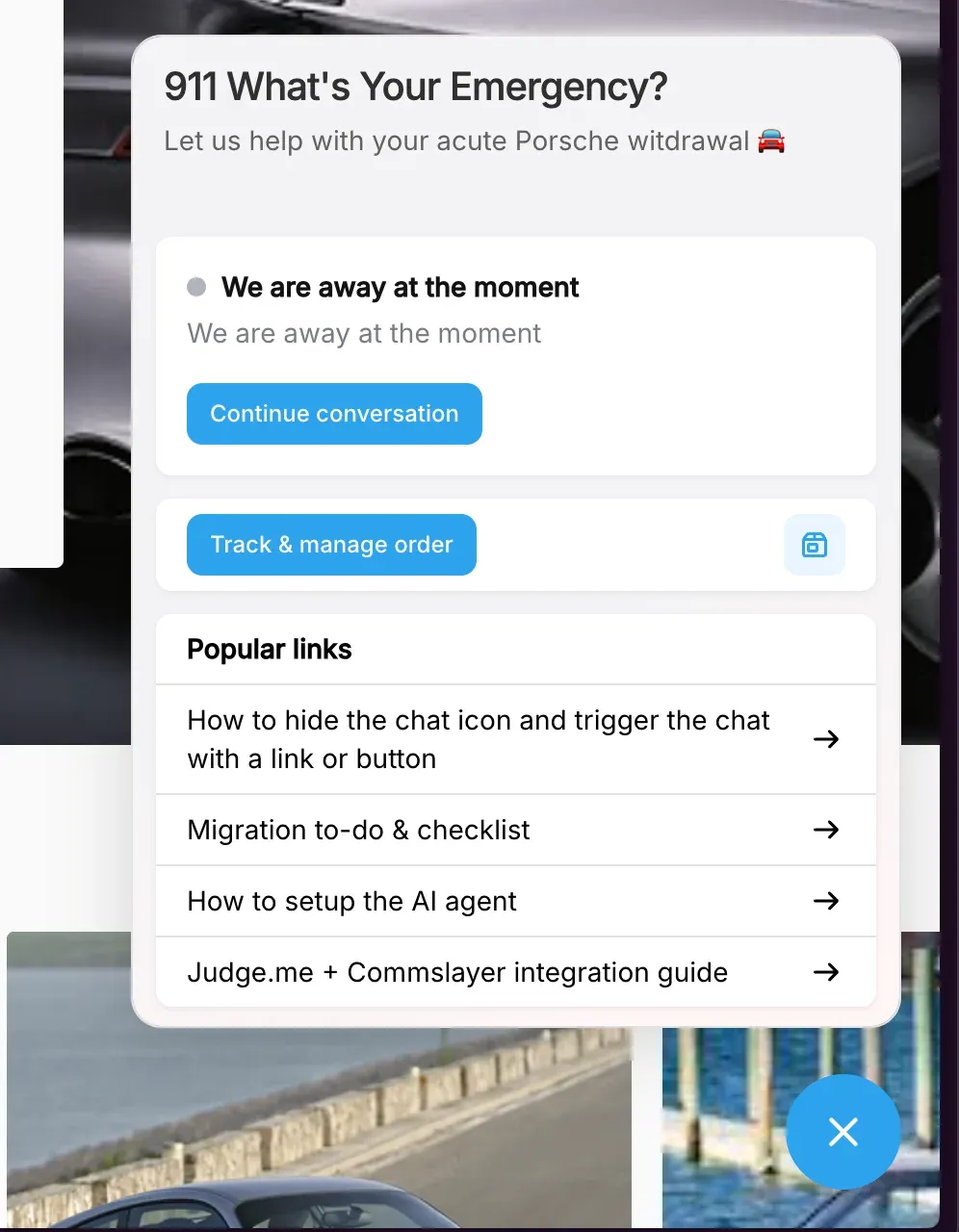
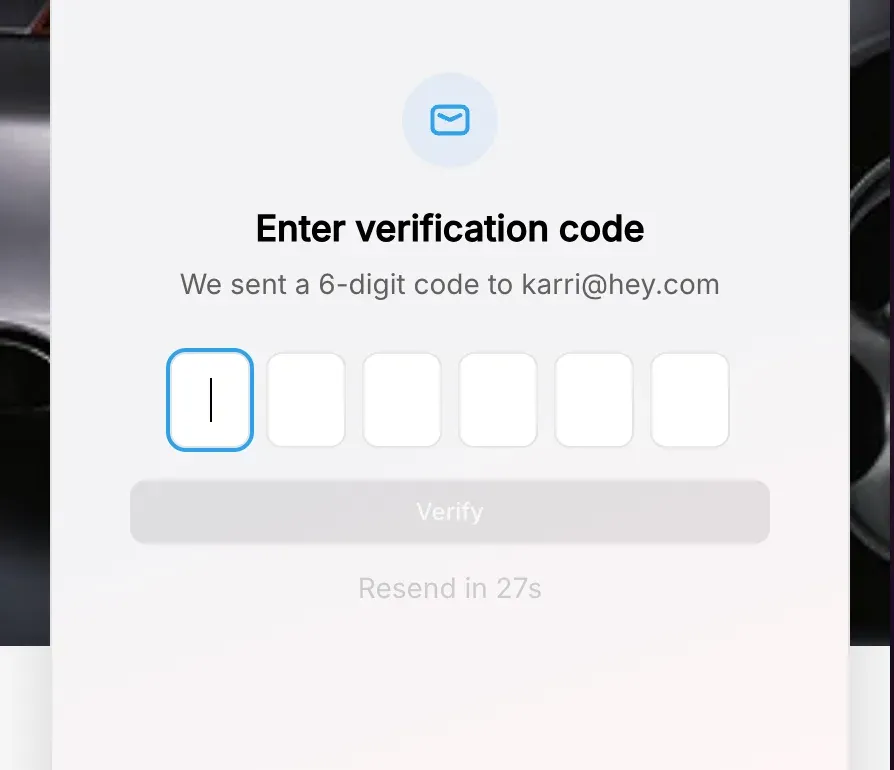
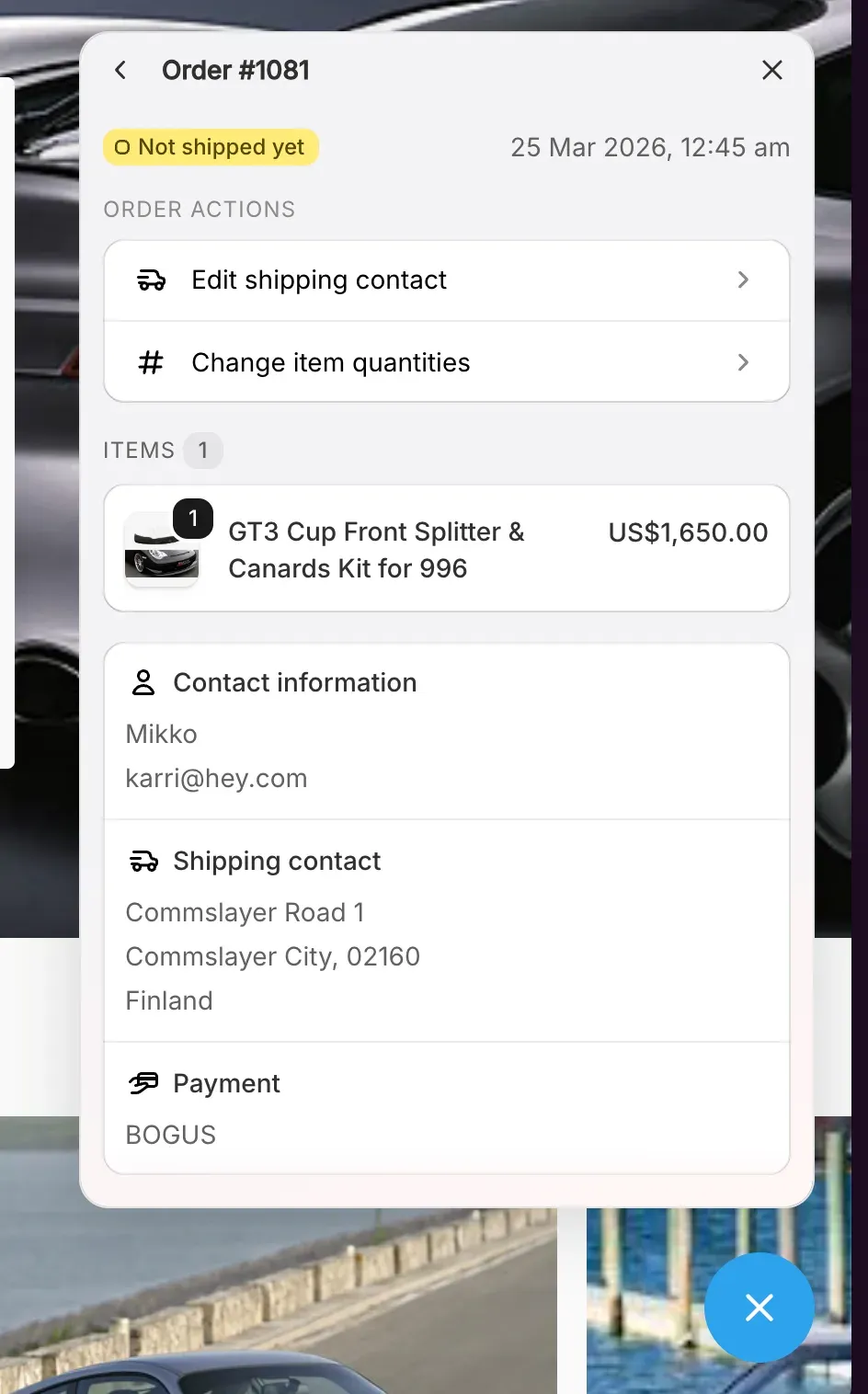
You can enable self-service order editing in Settings > Order Editing. Set when orders can be edited based on a time window or fulfillment status, and block orders from being edited using order tags.
What customers can edit:
- Shipping address
- Item quantities
- Variant swaps (size, color)
- Discount codes
- Cancel the order
Upselling on the checkout widget is not available but if there’s demand, we’ll add it. Customer accounts extension is coming next.
Go enable it and ping me for any feedback (ask to talk to Karri if our AI Gary doesn’t let you through). Happy to add more to it if there’s clear need.
-Karri / cofounder
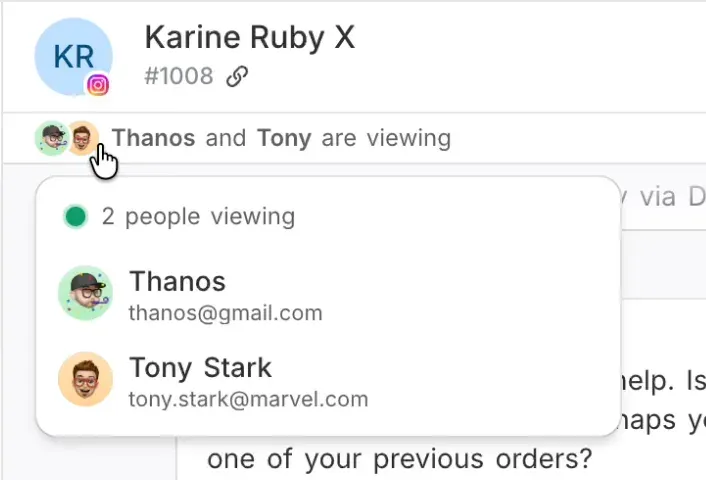
ps. a collision alert when another agent is viewing a ticket is coming soon