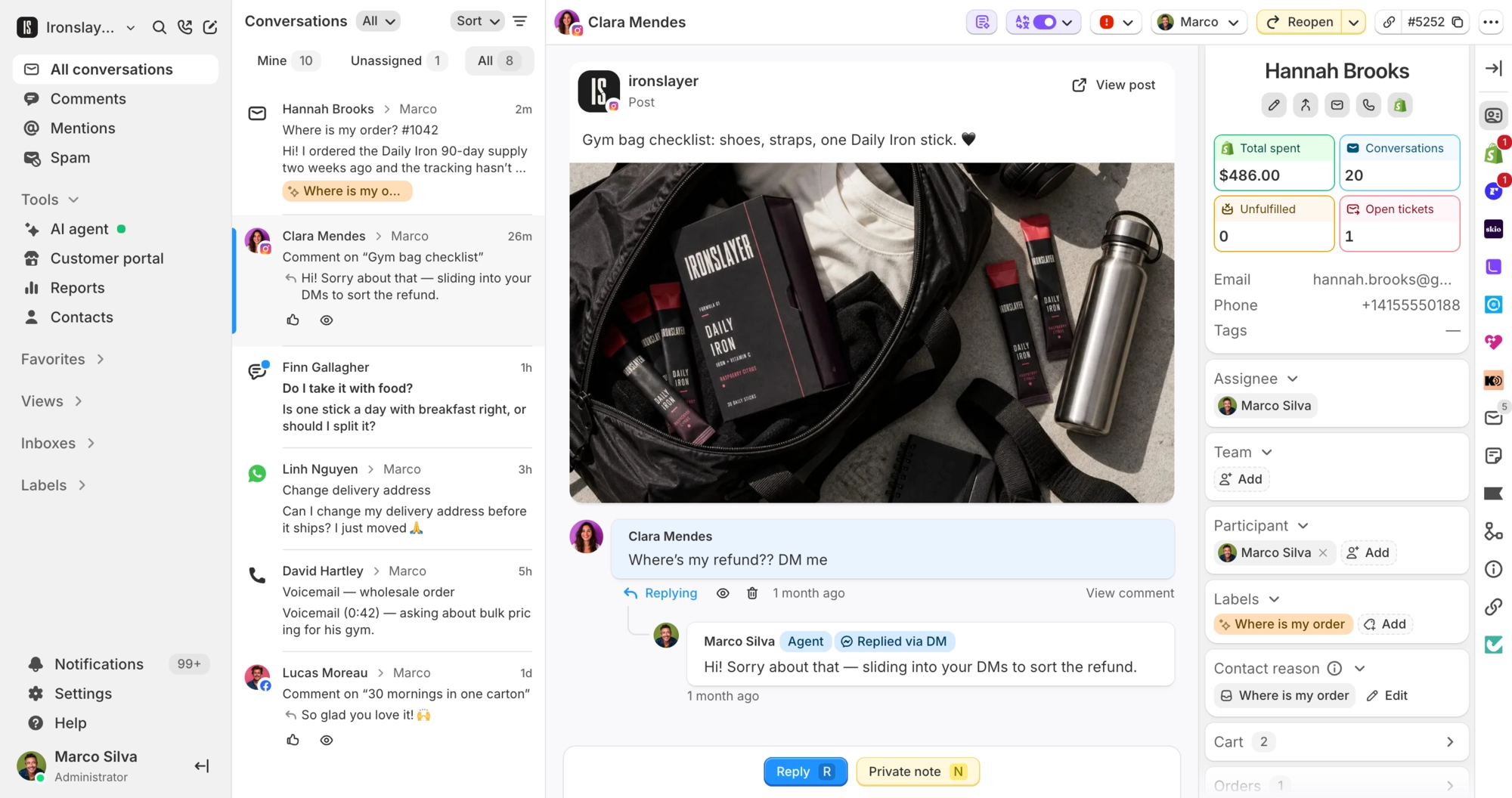
Playground images, auto-merge, and Loop upgrades
Hope you are all managing under the BFCM stress. Here is what shipped this week, plus a couple of beta features you can help test.
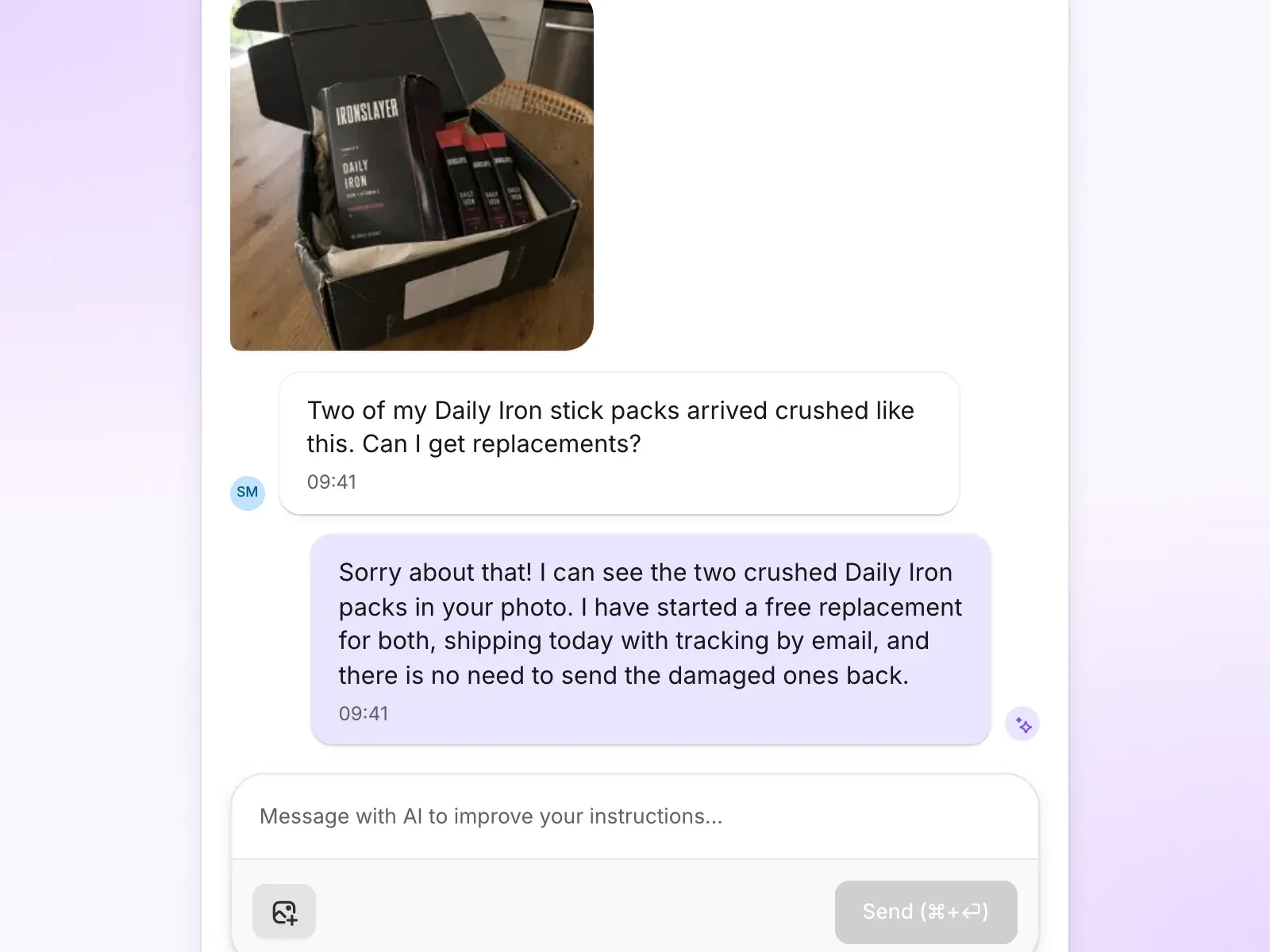
Test the AI agent with images in the Playground
Your AI agent has always been able to see the photos customers send, a damaged item, a screenshot, a size chart. Now you can test that in the Playground too. Attach an image to your question, send it, and watch exactly how the agent reads it and answers, before a real customer ever does.
Auto-merge duplicate emails
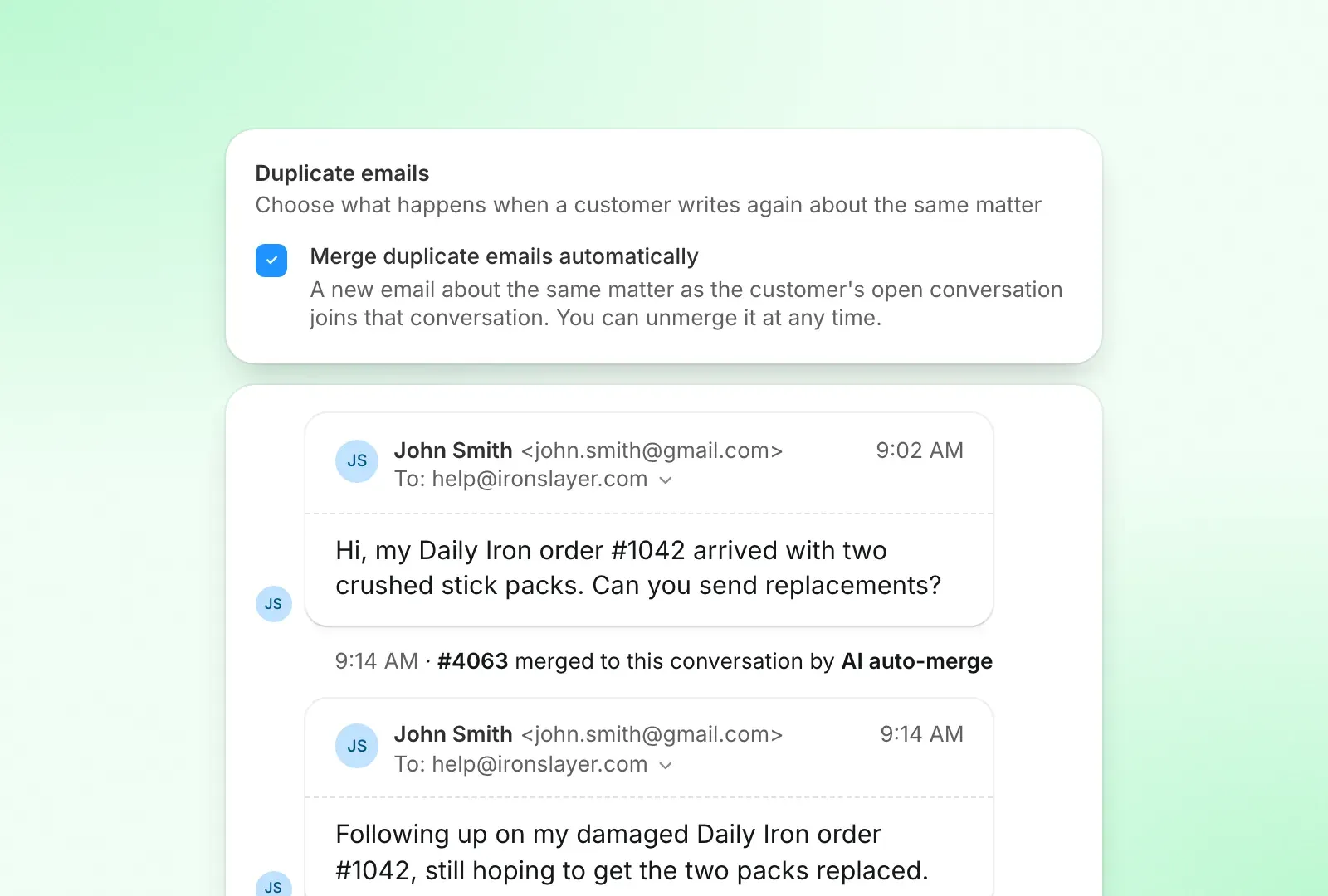
Customers love emailing twice about the same thing. To go with merge suggestions, Commslayer can now merge those duplicates for you: a new email about the same matter as an open conversation just joins it, so two of you are not replying to the same person. Turn it on per inbox in your email inbox’s settings, under Duplicate emails, and unmerge any time if it ever gets one wrong.
Canned responses can carry labels
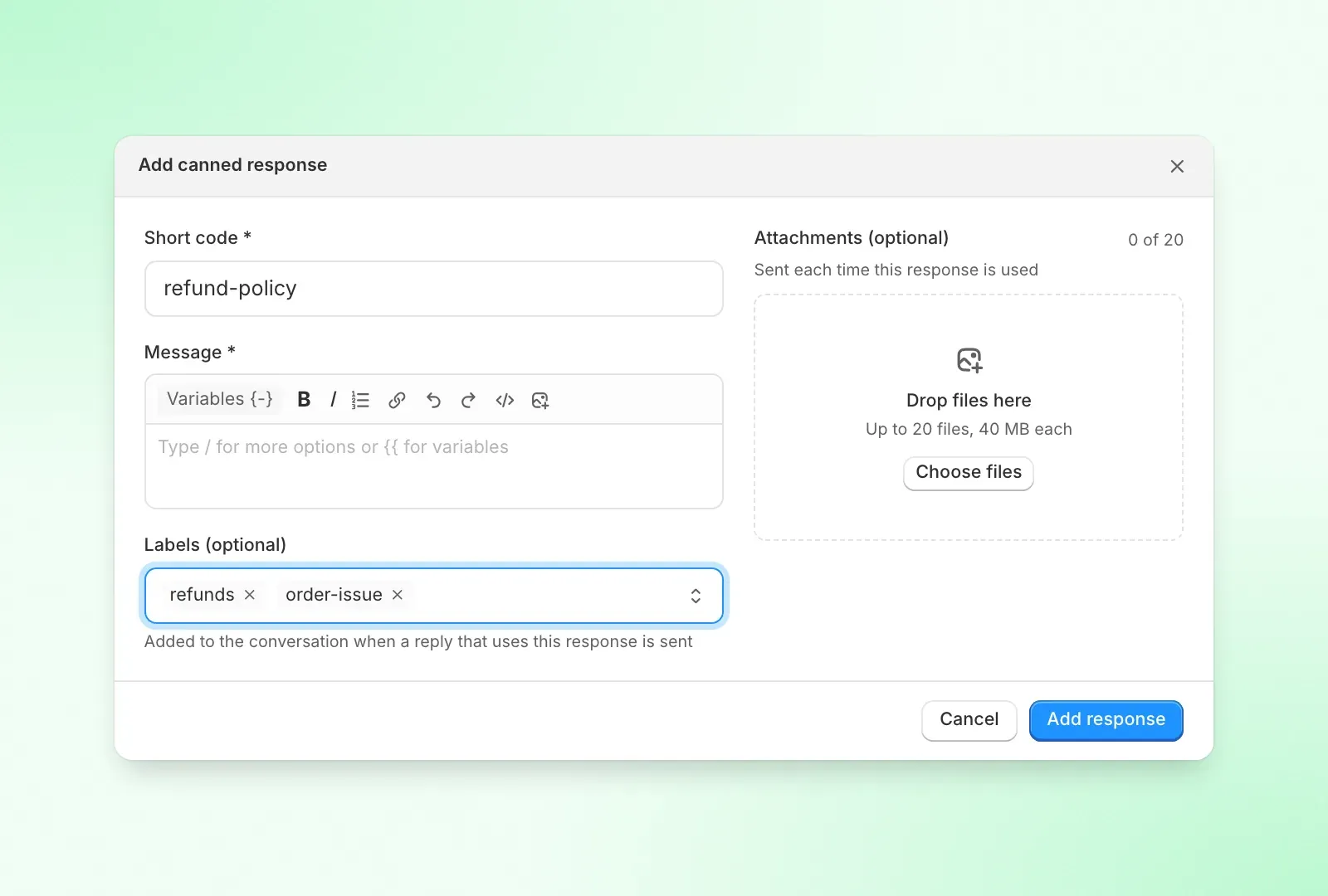
A canned response can now hold labels. This one is for all of you who migrated from Gorgias and never got used to our macros. Use it in a reply and those labels get added to the conversation automatically, so no more remembering to tag it by hand.
Upgrade a Loop subscription from the sidebar
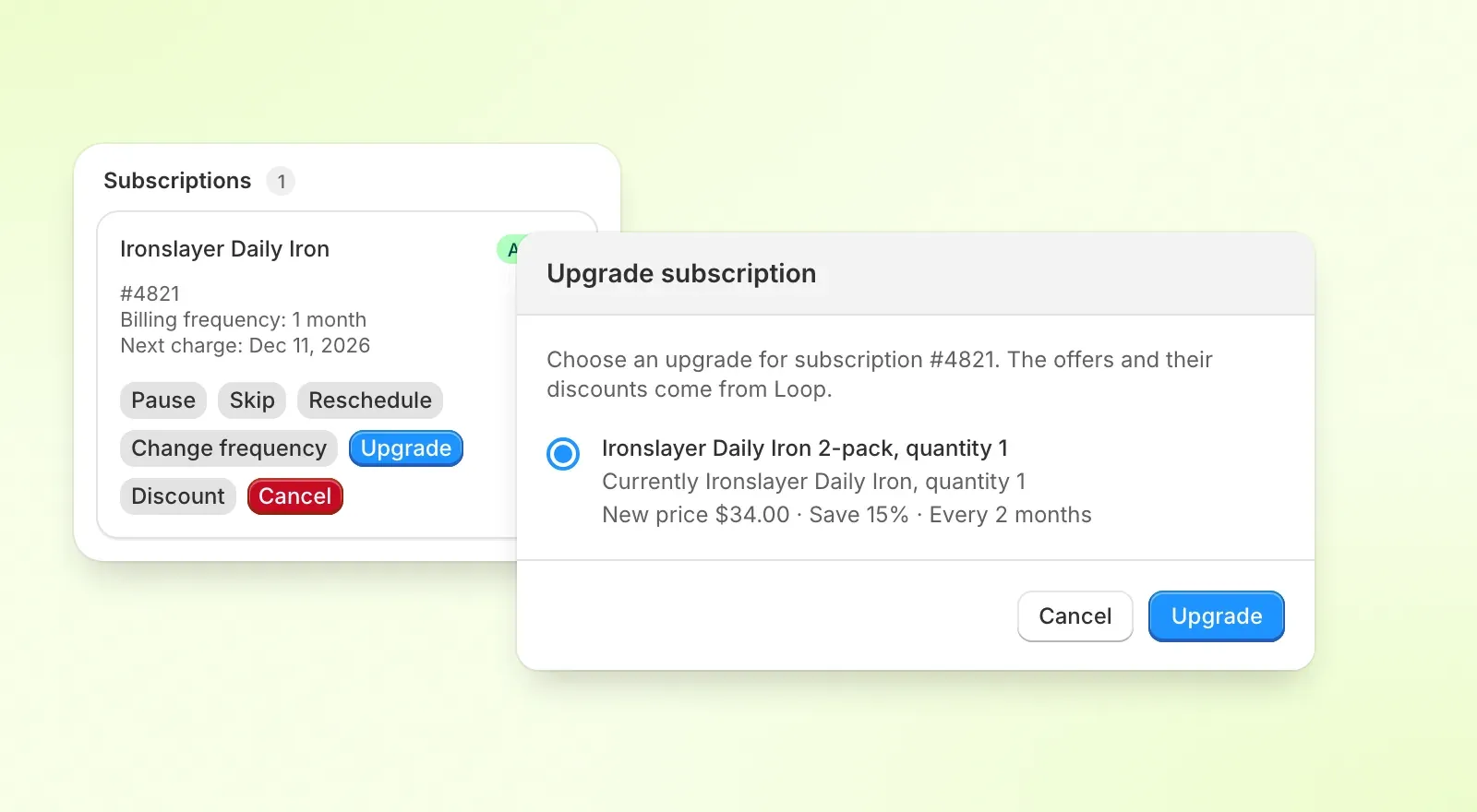
When a Loop subscriber is about to cancel because it feels too pricey, you can offer them a bigger pack at a discount instead, right from the Subscriptions panel in the sidebar. Hit Upgrade, pick the offer, confirm. The offers, their discounts and the new price all come from Loop.
Send a Loop subscriber their login link
Some brands want customers to go through Loop’s own cancellation flows instead of letting the AI agent cancel or edit the subscription. The AI agent can now send the customer their Loop login email instead, and your team has a button in the Loop sidebar to send it too.
Other updates
AI agent
- Pause the AI agent outside business hours, so off-hours chats wait for your team, plus a new “within business hours” condition for automation rules
- The AI can look up a customer’s Klaviyo lists, segments and profile properties, the same data your team sees in the sidebar
- AI approval: choose which inboxes need it, or set it to customer-facing only so labels, notes and lookups run right away
- A new setting to hand over silently on Instagram and Facebook DMs, so the customer gets no handover or “agents are busy” message
- AI refunds work on orders paid in more than one payment, like ones with a post-purchase upsell
- Pending status can be set per inbox, a pending handover can add labels and a team, and you can send a closing message before a pending conversation resolves
- The AI can release a fulfillment hold it placed once an order edit or refund goes through, instead of handing over just to lift it
- Turn off or reword the “our agents are busy” message the AI sends when it hands a chat over with nobody online
- Commslayer now stops you piling up overlapping guidances for the same intent, and points at the one that already covers it
Helpdesk
- Macros can cancel the customer’s last order or their subscription (Recharge, Loop or Skio), so one click can label, cancel and reply
- Automation rules can tell public replies from private notes, and teammates from the AI agent
- Zoho Desk importer: bring over contacts, tickets, messages, notes, attachments and tags
- The Cart section in the conversation sidebar stays open once you open it
- Hide the “teammates online” count and avatars in the chat widget, so customers do not expect a person when the AI answers
- Items added to an order but not paid within 30 minutes are removed and the hold released automatically
MCP
- Create teams and add or remove team members
- Answer the questions the AI agent asks your team
- See the post a social comment belongs to
- Contact reason in conversation search, plus a new conversations report
WhatsApp and mobile
- A sent log for WhatsApp automations, like the one on order updates
- A round of polish on the iPhone and Android apps: reply box, private notes, toasts, one-step theme switching
Looking for beta testers
- New UI: we are about to ship a new version of the UI, with a Zendesk-style list view and tabs. If you are an admin and want to try it early and send feedback, message us in the chat.
- Returns: want to test our built-in returns portal (yes, you can buy labels)? Message us in the chat.