Android app, Extensions, WhatsApp Marketing and a lot more
Loads of goodies this week, including the Commslayer Android app, WhatsApp marketing and Extensions!
Android app
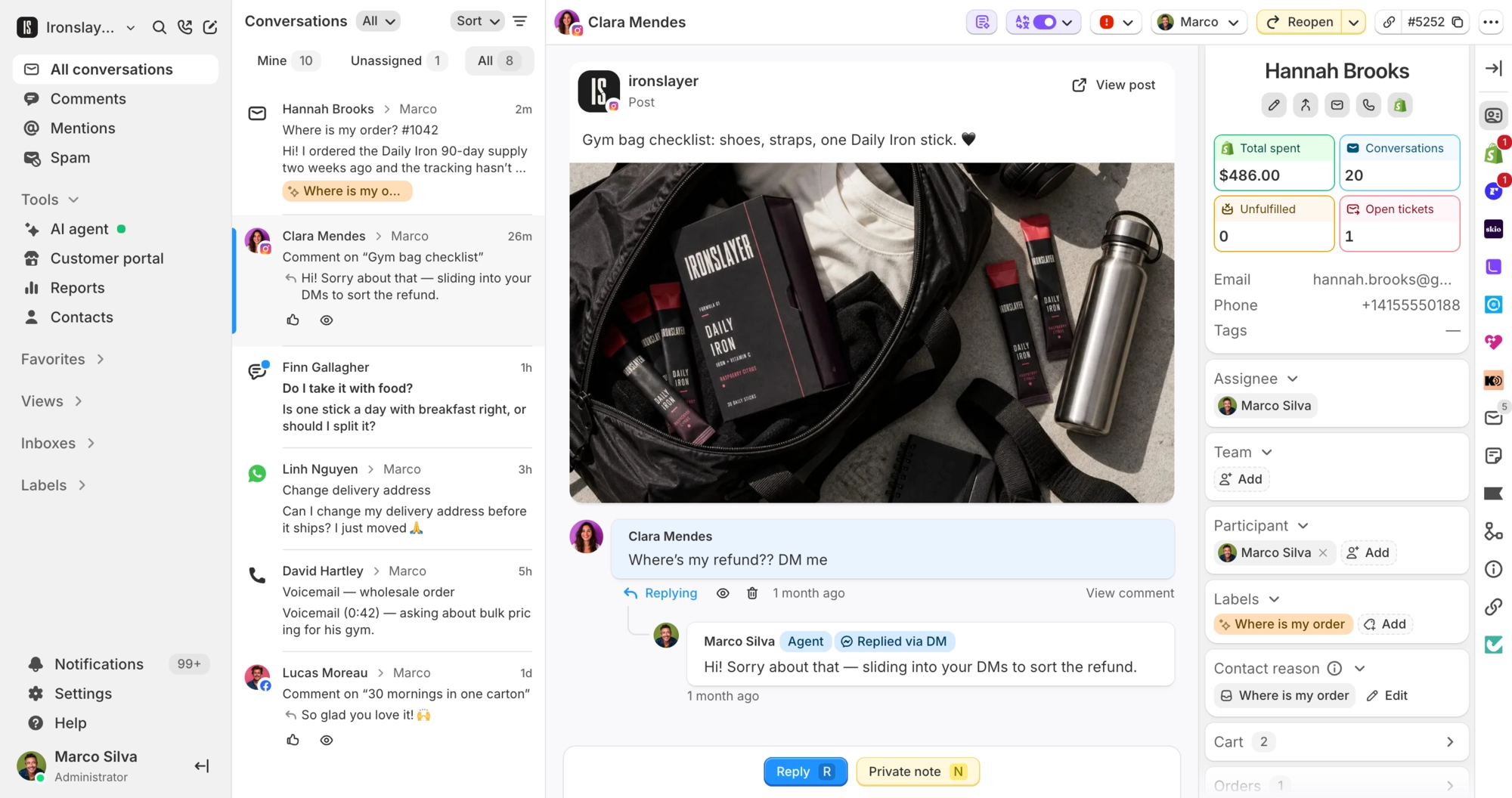
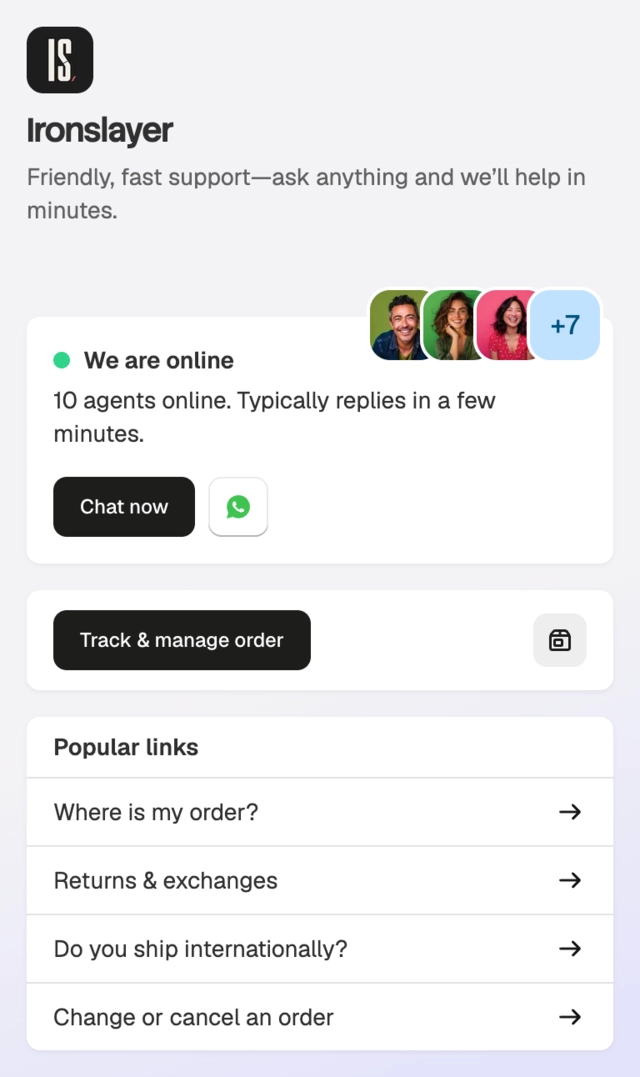
The Commslayer Android app is live on Google Play. Answer customers on every channel, approve AI replies, check Shopify orders and get push notifications from your phone. iPhone app is coming as soon as Apple approves it.
Extensions
Connect tools Commslayer doesn’t integrate with, now in public beta! Show or send data to tools in the conversation sidebar or let your AI agent use them and run them from automations.
An extension is either a lookup or a change:
- Lookup: reads data, like a shipment’s status, and can show as a card next to the conversation.
- Change: writes data, and can run as a button on a lookup’s card, from an automation rule or from your AI agent. When the AI agent runs one, it asks for approval by default.
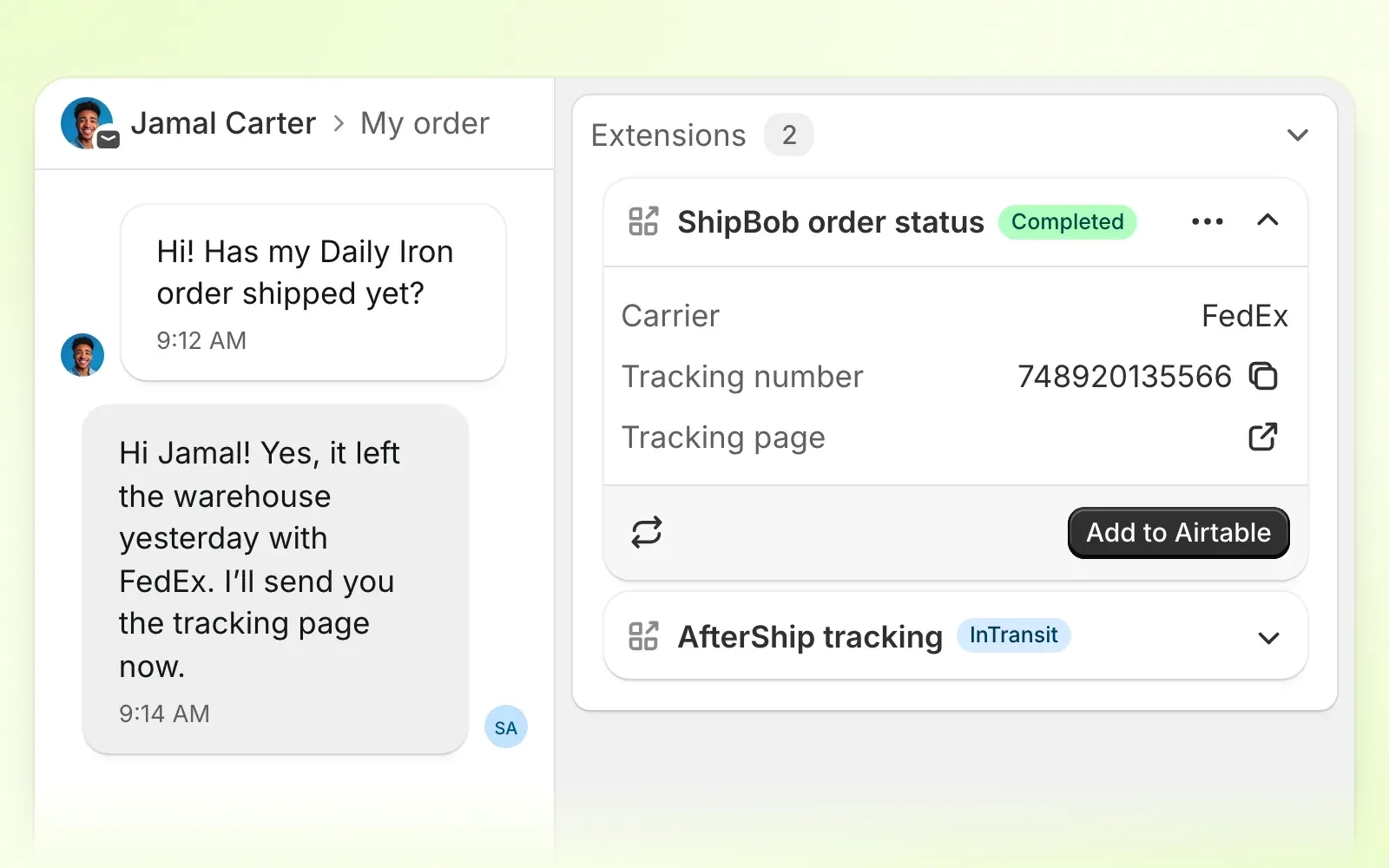
Start from a template for ParcelPanel, Slack, Zapier or Airtable. Try it out in Settings → Extensions, and check the extensions guide for how it all works.
Extensions are also available from the MCP, so your AI assistant can build them for you. You add any API keys yourself in Commslayer. Try this prompt:
Add a Commslayer extension that looks up a customer’s warranty by their email with
GET api.example.com/warranties. Show the status and expiry date as a card in the conversation sidebar.
WhatsApp marketing
Send order updates, campaigns and automations on WhatsApp from the new Marketing tab.
Order updates
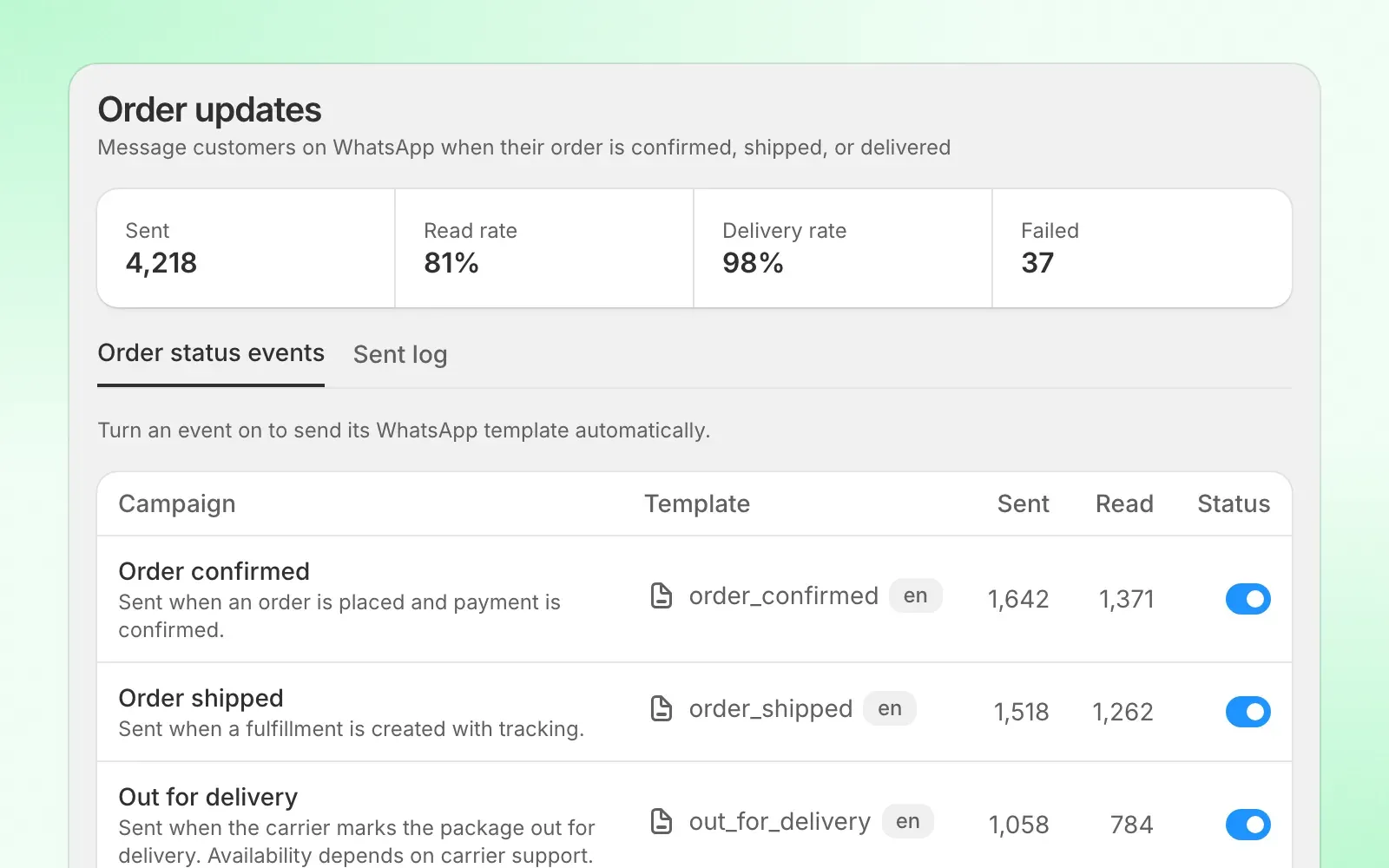
Message customers on WhatsApp when an order is confirmed, shipped, out for delivery, delivered, canceled or refunded, or when they abandon checkout.
Campaigns
Choose a segment and a template, fill the template’s variables from details like first name or store name, then send now or schedule it. Each campaign gets its own report.
Automations
Send WhatsApp messages when a customer takes an action. Add waits and branches on a canvas, or start from a recipe. Clankers can also do this for you via the MCP.
Consent
WhatsApp marketing consent now syncs from Shopify. Marketing templates only go to customers who gave consent. Utility templates, like shipping updates, don’t need it.
Security
With freezers all over Europe spoiling food, we decided to make the app more secure.
Require two-factor authentication
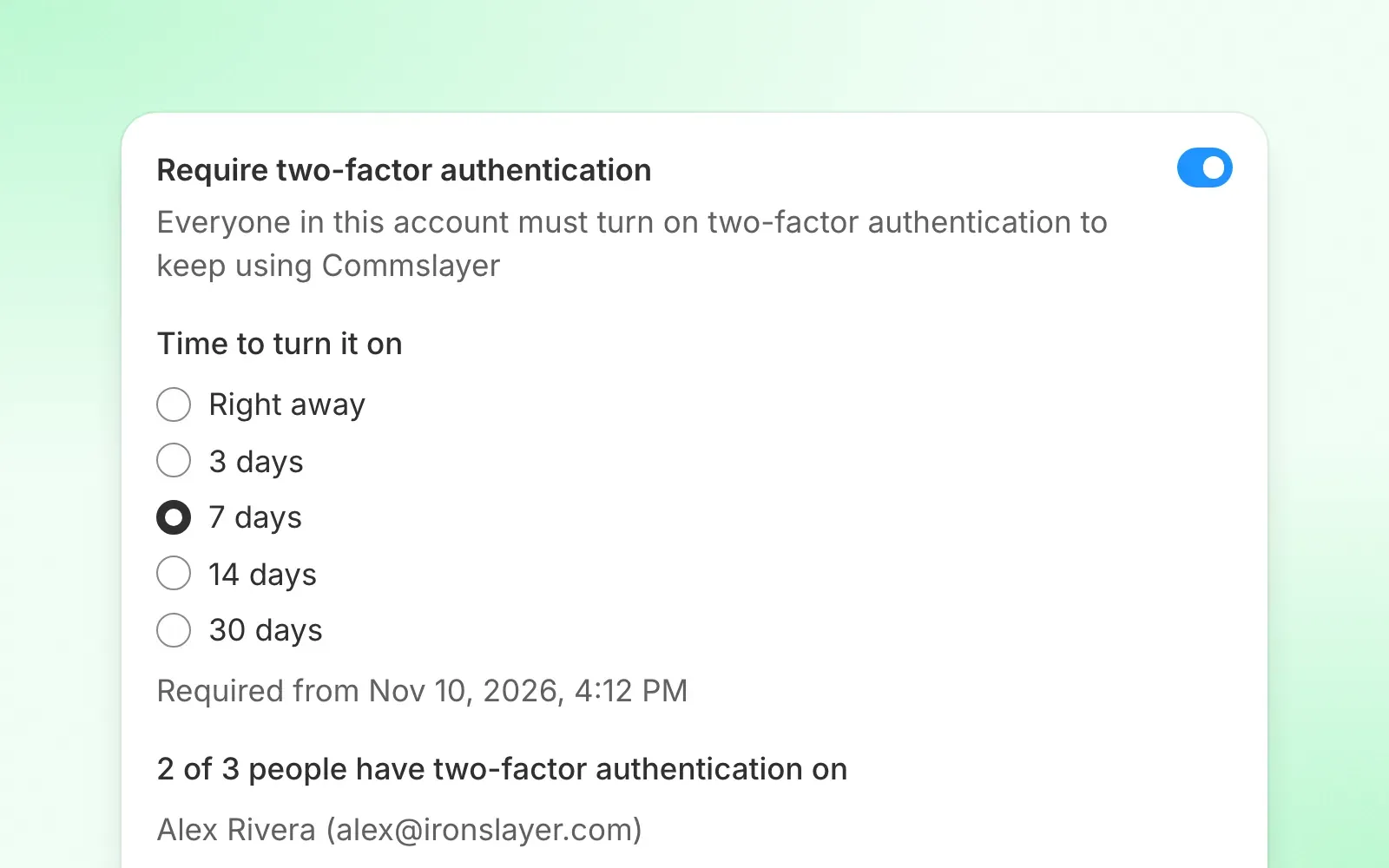
Admins can now require two-factor authentication for everyone in the account. Give your team time to turn it on: right away, 3, 7, 14 or 30 days.
Your team sees a reminder until the deadline. After that, anyone without two-factor has to set it up before they can keep using Commslayer.
Find it in Settings → Account settings.
Sign an agent out everywhere
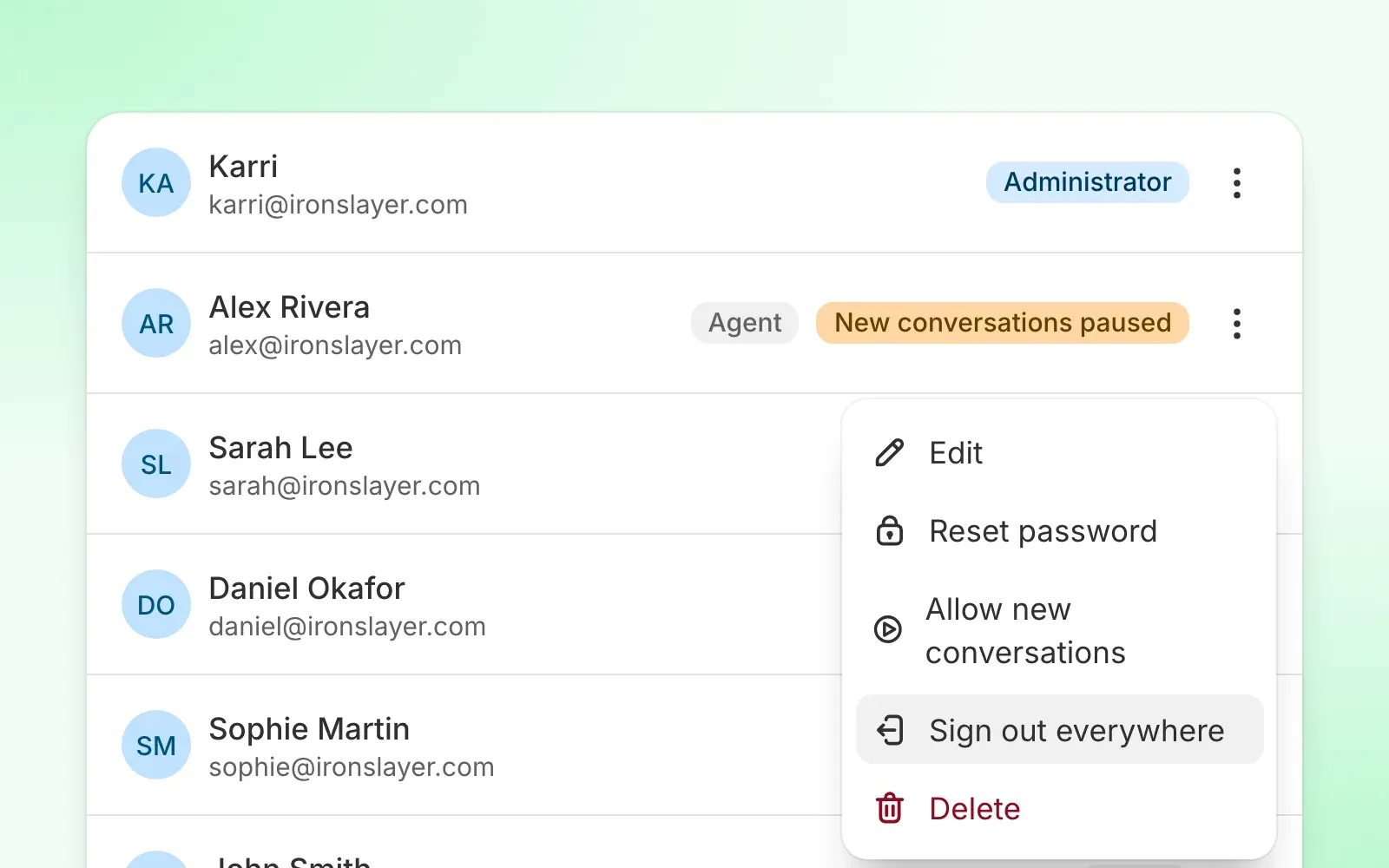
Admins can sign an agent out on every device at once. Open the agent’s menu in Settings → Agents and choose Sign out everywhere.
Replies from someone you’ve removed from the account no longer go out later. Commslayer marks them as failed and shows the reason. Anything Gmail already accepted still goes out.
Session limits
Admins can now decide how long sessions last. Sign out after inactivity ends a session after 30 minutes to 7 days without use. Sign out after ends it 1 to 30 days after sign-in, instead of the default 2 months.
Find it in Settings → Account settings.
To see where an agent is signed in, choose Sessions from their menu in Settings → Agents. It lists each session’s browser, IP address and last use, and you can sign out any one of them.
Security alerts
Admins now get an email when:
- Wrong passwords hit 3 or more people in the account from one IP address within an hour
- Someone changes their own name, email or signature, after their first 7 days in the account
- Google keeps limiting sending from a Gmail inbox
Every alert also lands in the Security tab of the audit log. Admins can turn off the notices about profile changes, exports, transcripts and sending limits in their profile. Alerts about failed sign-ins and possible break-ins always go out.
Unusual sending volume
If someone suddenly starts far more new conversations than usual, Commslayer stops them from starting more and emails your admins. Replies in existing conversations keep working.
Admins see New conversations paused next to that person in the agent list, and can choose Allow new conversations from their menu. The pause ends by itself after 7 days.
Pause an inbox
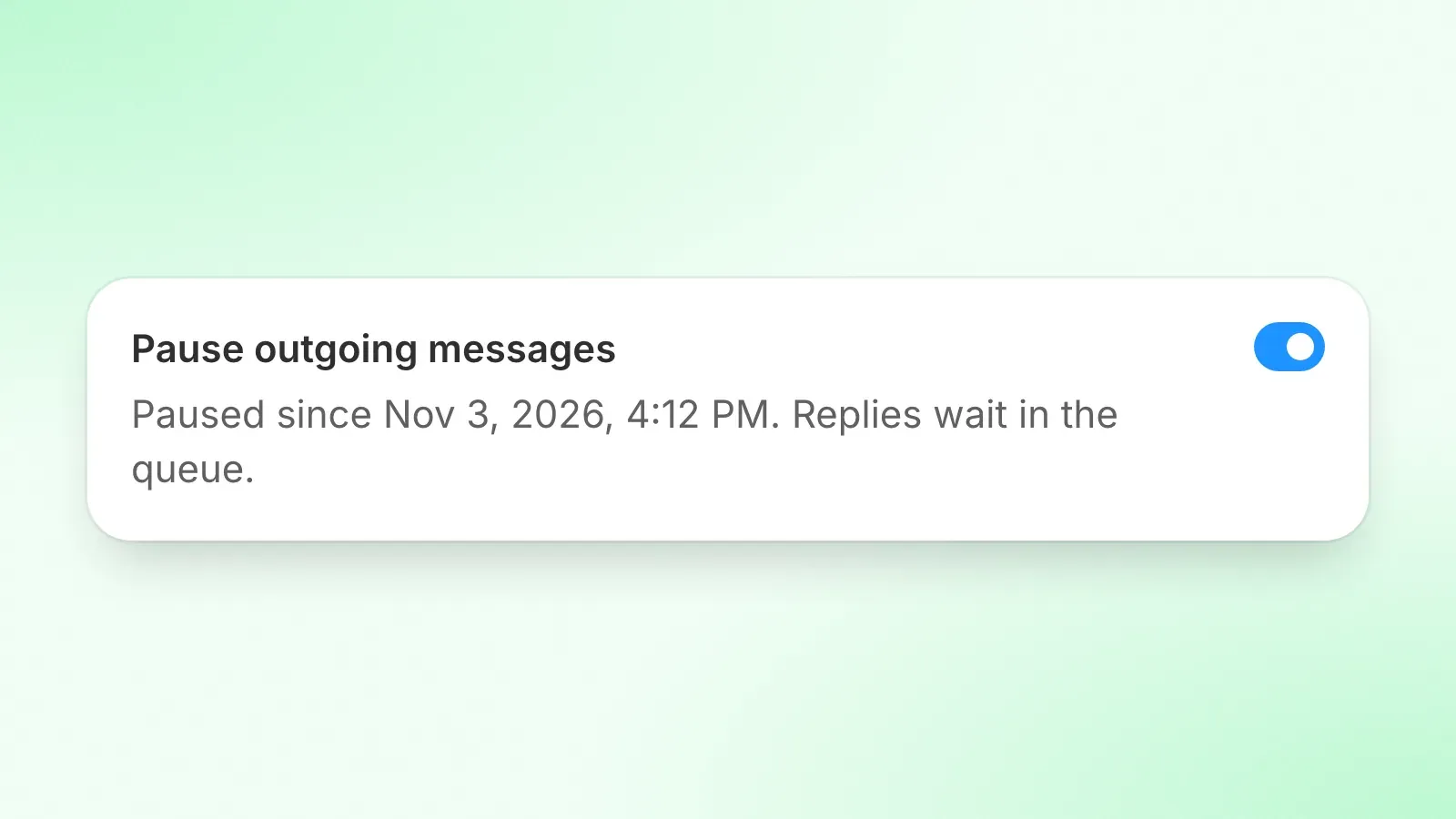
Admins and managers can stop an inbox from sending with one switch. Replies wait in the queue and go out when you turn it off. Live voice replies keep working.
Find it in Settings → Inboxes → your inbox.
Transcripts stay with the conversation
Agents and managers can only email a transcript to the customer, addresses on the customer’s own emails, and teammates. Admins can send one anywhere, and your other admins get an email when an admin sends one outside the conversation.
More in the audit log
The audit log now records the real IP address behind each action, failed sign-ins, password changes and profile changes. It also records each transcript your team sends and each export of contacts, conversations, satisfaction responses, reports and the audit log itself. Your other admins get an email when someone exports customer data.
Find it in the Security tab of Settings → Audit log.
Other smaller updates
Helpdesk
- You can set status, assignee, team and labels on a new conversation before you send it
- The new conversation window finds the customer by their Shopify order number
- A reply still goes out if you leave the conversation before the Undo timer ends
- Automation rules show how often each rule ran
- Two new macro actions: “pending for 24 hours” and “resolve without CSAT”
- The “Disable CSAT survey” label now works however the conversation gets resolved
- Agent and daily reports count each agent’s private notes
- Emails that customers get from you follow the account language, not English
- Command palette search shows results faster
AI agent
- Matched guidance sits above the customer’s message for admins and managers, not inside the thread
- Knowledge flags training responses that are near-duplicates
- AI finds an order from the Shopify confirmation number the customer quotes
- AI refunds: it can refund removed items instead of handing over, refund a share of an item’s price, and refund more than one order in a conversation
- Free reships keep each item’s personalization
- AI drafts and Claude via MCP can see photos customers send
- AI gets a parcel’s full tracking history, not just the 5 newest scans
- AI sees what the customer actually paid, in their own currency
- New retention discount action for Recharge
- Reschedule for Kaching and Stay AI subscriptions
- AI approval cards show the private note text and product cards
- If an AI approval waits an hour, the team gets a reminder
- The AI agent report shows why the AI agent handed over
- Handover insights is on for new accounts and reads their imported tickets until there’s enough live traffic
Channels, widget, portal
- You can choose which store pages the chat widget loads on, in Settings → Inboxes → your chat inbox → Pages
- TikTok comment replies can be up to 1,200 characters
- Non-US numbers can be ported by uploading an LOA and an invoice
- Help center search looks inside article text, not only titles
- Attachments on email replies to a live chat come through
- Order editing has SKU search for excluding products
- Customer edits that add a charge stay on hold in Shopify until they’re paid
MCP
- Hide or unhide Facebook, Instagram and TikTok comments
- Turn auto-labeling on or off
- Take the AI agent off a conversation