Klaviyo profiles in your helpdesk sidebar
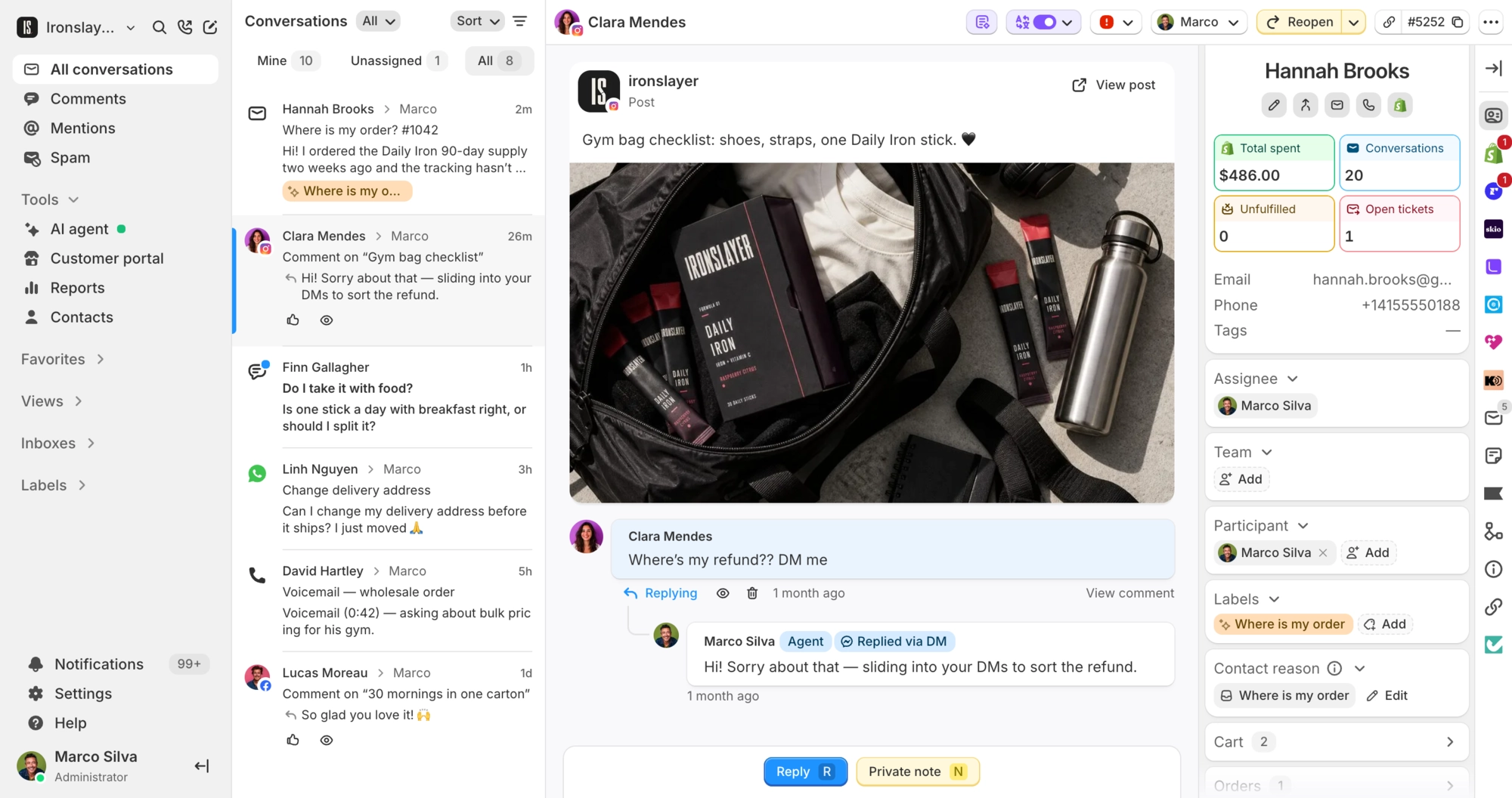
See lists, segments and predicted value as you reply. Resolved and reopened conversations go back to Klaviyo.
 Book a demo
- Reviews & marketing
- All plans





















See which lists and segments they're on
Open the Klaviyo section in the sidebar while you reply. Profiles are matched by email, or by phone number when there's no email. Each list opens in Klaviyo with one click.
Know what a customer is worth before you reply
The sidebar shows Klaviyo's predicted lifetime value, order count, average order value and churn probability, so a repeat buyer with a late order stands out. The numbers appear once Klaviyo has calculated them for that profile.
Support activity goes back to Klaviyo
When a conversation is resolved or reopened, Commslayer adds a Resolved conversation or Opened conversation event to the customer's Klaviyo profile, with the channel and the agent's name. Use it to trigger a flow, like a review request after a resolved ticket, or to build a segment.

What Commslayer can do in Klaviyo
-
See lists and segments
TeamMatched by email, or by phone number when there is no email. Lists open in Klaviyo from the sidebar.
-
See profile details
TeamName, email, phone, location and all custom properties on the Klaviyo profile.
-
See predictive analytics
TeamHistoric and predicted lifetime value, number of orders, average order value, days between orders, churn probability and expected next order date.
-
Open the profile in Klaviyo
TeamOne click from the customer's contact page in Commslayer.
-
Send conversation events
TeamSent automatically when a conversation is resolved or moves back to open. Includes the channel, status and assigned agent's name and email.
Which plan do I need?
Any plan.
How do I connect Klaviyo?
In Commslayer, go to Settings > Integrations > Klaviyo and click Connect. Approve access in Klaviyo and you're sent back, no API key needed. Admins and managers can connect it, and each Commslayer account links to one Klaviyo account.
Does the AI agent use Klaviyo data?
No. Klaviyo data is for your team. The AI agent doesn't read profiles, lists, segments or predictions, and it can't subscribe customers or trigger flows.
Which conversations send an event?
Conversations that get resolved, and conversations that move back to open, like a reopen. Creating a conversation doesn't send one.
Can my team change Klaviyo data from Commslayer?
No. Commslayer reads profiles, lists and segments and sends conversation events. Consent, list membership and profile edits stay in Klaviyo.
Do Klaviyo messages show up in the inbox?
No. Klaviyo connects as customer data, not as a channel, so email and SMS sent from Klaviyo stay there.
Connect Commslayer and Klaviyo
Connect from Settings, approve in Klaviyo, and profiles show up next to your conversations.
- Free plan
- 14 day trial on paid plans
- Cancel anytime