Handle Skio subscription changes with AI
The AI agent pauses or reschedules when a subscriber asks. Your team resumes and reactivates from the sidebar.
 Book a demo
- Subscriptions
- All plans





















Pauses, moves or cancels when a subscriber asks
A subscriber wants their next box after the 1st, and the AI moves the next billing date there. If they want to stop, it asks for a reason and cancels once they confirm. It can also pause an active subscription with no end date.


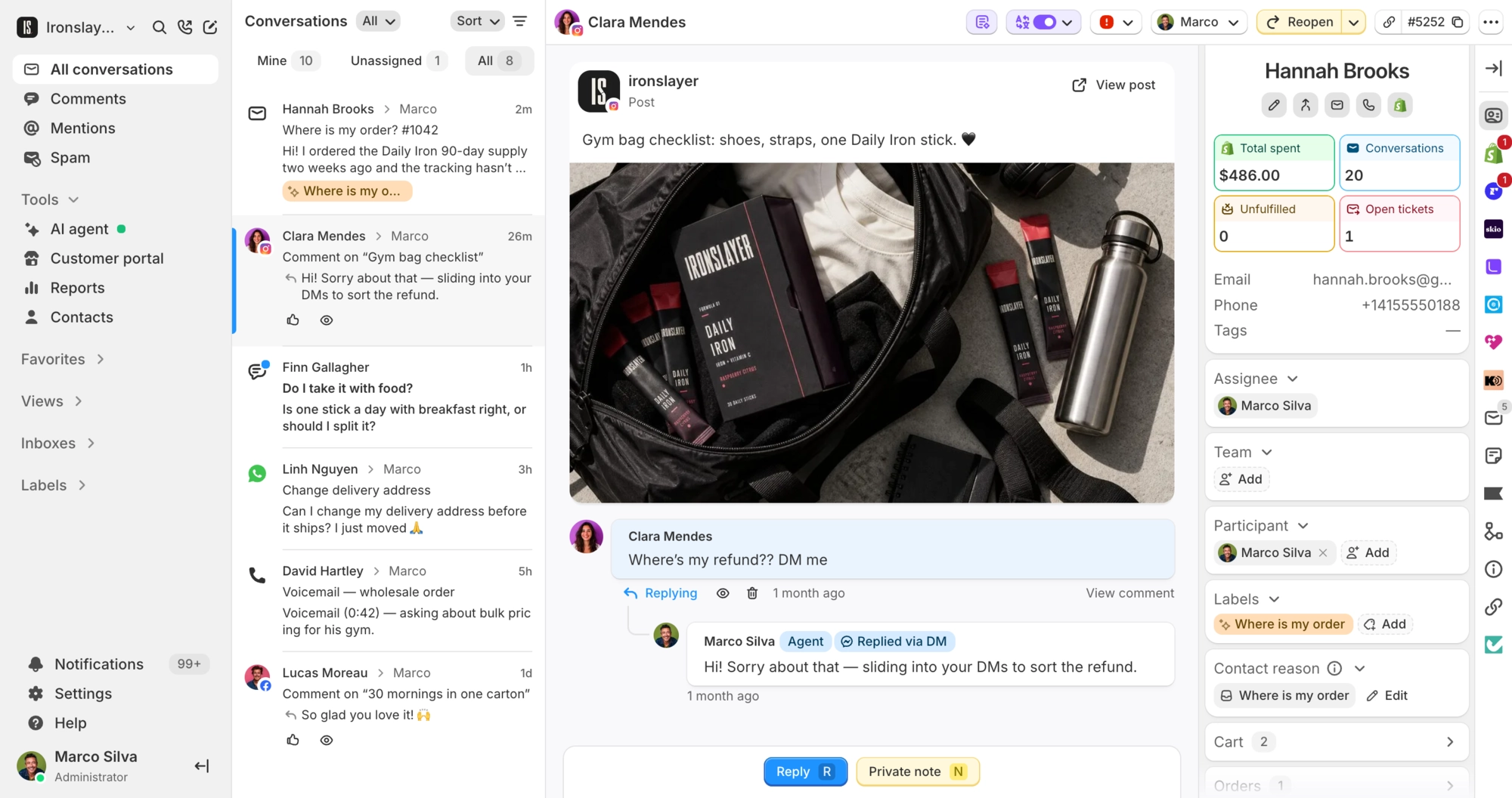
Skio subscriptions beside every conversation
Each card shows the status, product lines with prices, total, billing frequency and next charge date, plus a link to open it in Skio. Admins and agents allowed to refund and edit orders also get buttons to pause, resume, reschedule, cancel or reactivate. Every AI change is logged as a note on the conversation.
What Commslayer can do in Skio
-
See subscriptions
Team AI agentMatched to the contact by exact email. The AI works with active subscriptions. Your team sees every status, on the conversation and the contact's page.
-
Pause
Team AI agentPuts an active subscription on hold with no end date.
-
Reschedule
Team AI agentMoves the next billing date of an active subscription to a future date.
-
Cancel
Team AI agentThe AI asks for a reason and a clear yes first.
-
Resume
TeamRestarts a paused subscription.
-
Reactivate
TeamBrings back a cancelled subscription on a next billing date you pick.
Which plan do I need?
Any plan, including Free.
How do I connect Skio?
In Skio, go to Account > API, name the key (for example "Commslayer") and click Generate API key. Paste it into Commslayer under Settings > Integrations > Skio, and Commslayer checks it before saving. Then choose which of the three AI actions to switch on under AI agent > Actions.
Can the AI agent resume or reactivate a subscription?
No. The AI pauses, reschedules and cancels active subscriptions. Your team resumes paused ones and reactivates cancelled ones from the sidebar.
Who on my team can change subscriptions?
Admins, plus agents allowed to refund and edit orders. Other agents see the same cards without the buttons.
What isn't supported?
Skipping an order, changing the billing frequency, swapping products, changing quantities and editing addresses. Do those in Skio. Each Commslayer account connects to one Skio store.
Connect Commslayer and Skio
Paste one Skio API key, then pick which AI actions go live.
- Free plan
- 14 day trial on paid plans
- Cancel anytime