Skip and pause Stay AI subscriptions with AI
The AI agent skips or pauses once the subscriber is verified. Your team has the same buttons in the sidebar.
 Book a demo
- Subscriptions
- All plans





















Skips orders and brings subscribers back
A customer asks to skip their next order. The AI verifies them, skips it, and the rest of the subscription carries on. It also reactivates cancelled subscriptions and pauses active ones until a date the customer picks.


Change a subscription without leaving the ticket
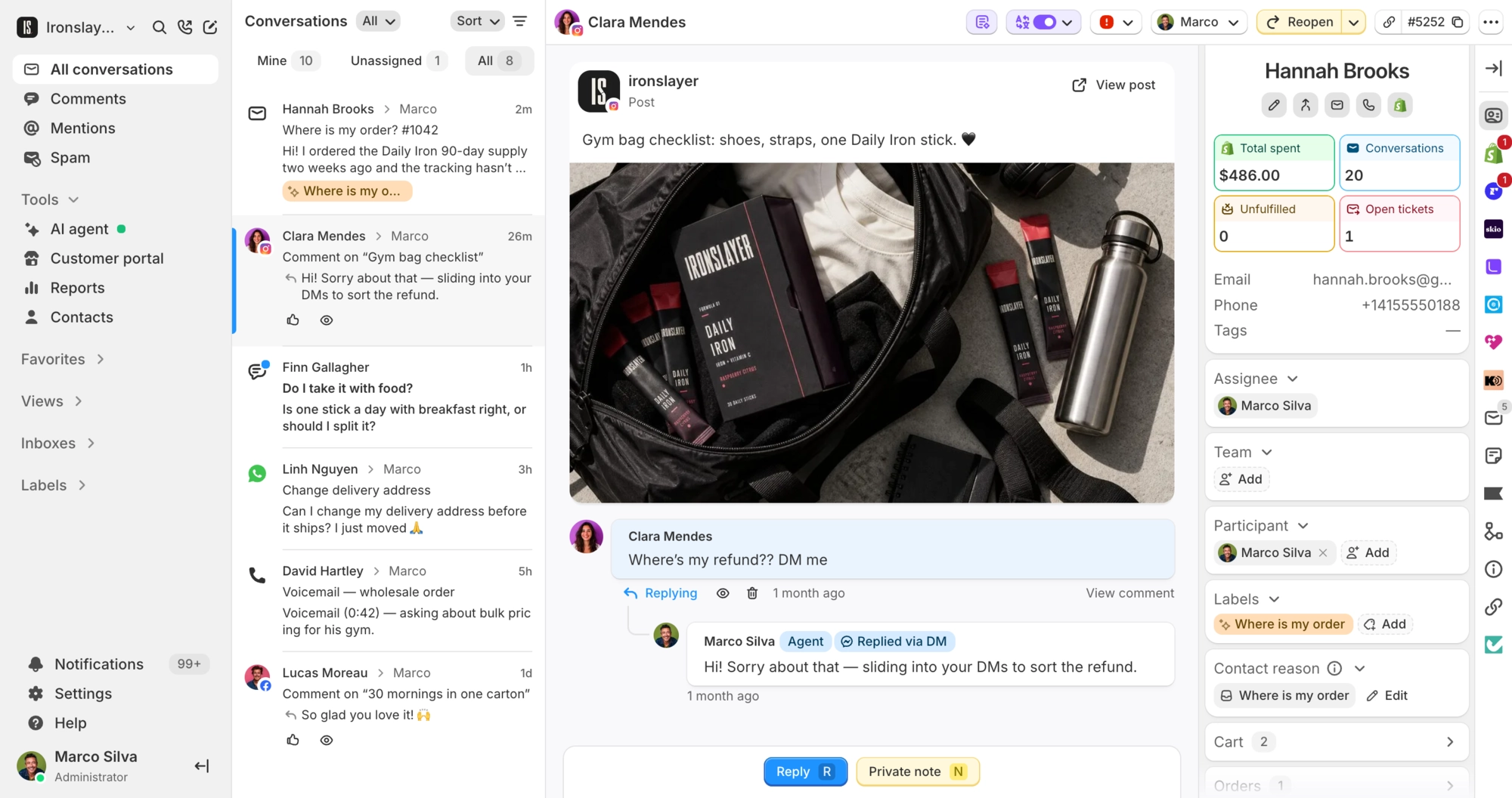
The sidebar lists every Stay AI subscription on the customer's email, with status, products, total, billing frequency and next charge date. Your team can pause, resume, skip, cancel or reactivate from there. The same cards show on the contact page.
What Commslayer can do in Stay AI
-
See subscriptions
Team AI agentStatus, products and next charge date, matched by email. Your team also sees variants, quantities, line prices, the total and billing frequency.
-
Pause
Team AI agentHolds an active subscription until a set date, when billing starts again.
-
Resume
Team AI agentUnpauses right away and keeps the next billing date, or moves it to the next valid date if that one has passed.
-
Skip
Team AI agentSkips the next upcoming order on an active subscription.
-
Cancel
Team AI agentWorks on active or paused subscriptions and needs a reason. The AI confirms with the customer first.
-
Reactivate
Team AI agentTurns a cancelled subscription back on.
Which plan do I need?
Any plan, including Free.
How do I connect Stay AI?
In the Stay AI admin, create an API token with all permissions turned on. An admin or manager pastes it into Commslayer under Settings > Integrations > Stay AI and clicks Connect. Commslayer checks the token on the spot and rejects one that does not work. Each Commslayer account connects one Stay AI store.
Does the AI agent start handling Stay AI requests once I connect?
No. Connecting adds five Stay AI actions under AI agent > Actions, all switched off. Turn on the ones you want. Each can have its own conditions or wait for a teammate to approve it before it runs.
Can the AI agent change the next charge date?
Not directly. The closest it gets is a pause until the date the customer names.
Who on my team can change subscriptions?
Admins, plus agents allowed to refund and edit orders. Other agents can see subscriptions but not change them. Buttons only appear when they fit the subscription's status, so a paused one offers resume instead of skip.
What can't the integration change?
Frequency, product swaps, quantities, the shipping address and payment method. Make those changes in Stay AI itself.
Connect Commslayer and Stay AI
Paste a Stay AI token and decide which actions need a teammate's approval.
- Free plan
- 14 day trial on paid plans
- Cancel anytime