Answer WhatsApp order questions with AI
The AI agent finds orders by the customer's WhatsApp number, no email needed. Your team replies in the same thread.
 Book a demo
- Channels
- All plans





















No email or code needed to check an order
The number a customer writes from counts as proof of who they are, so the AI agent finds their latest order and tells them where it is without asking for an email or code. Edits and cancellations work the same as on chat, once you turn those actions on. Subscription changes still ask for the account email and ZIP code.


Matched to Shopify by phone number
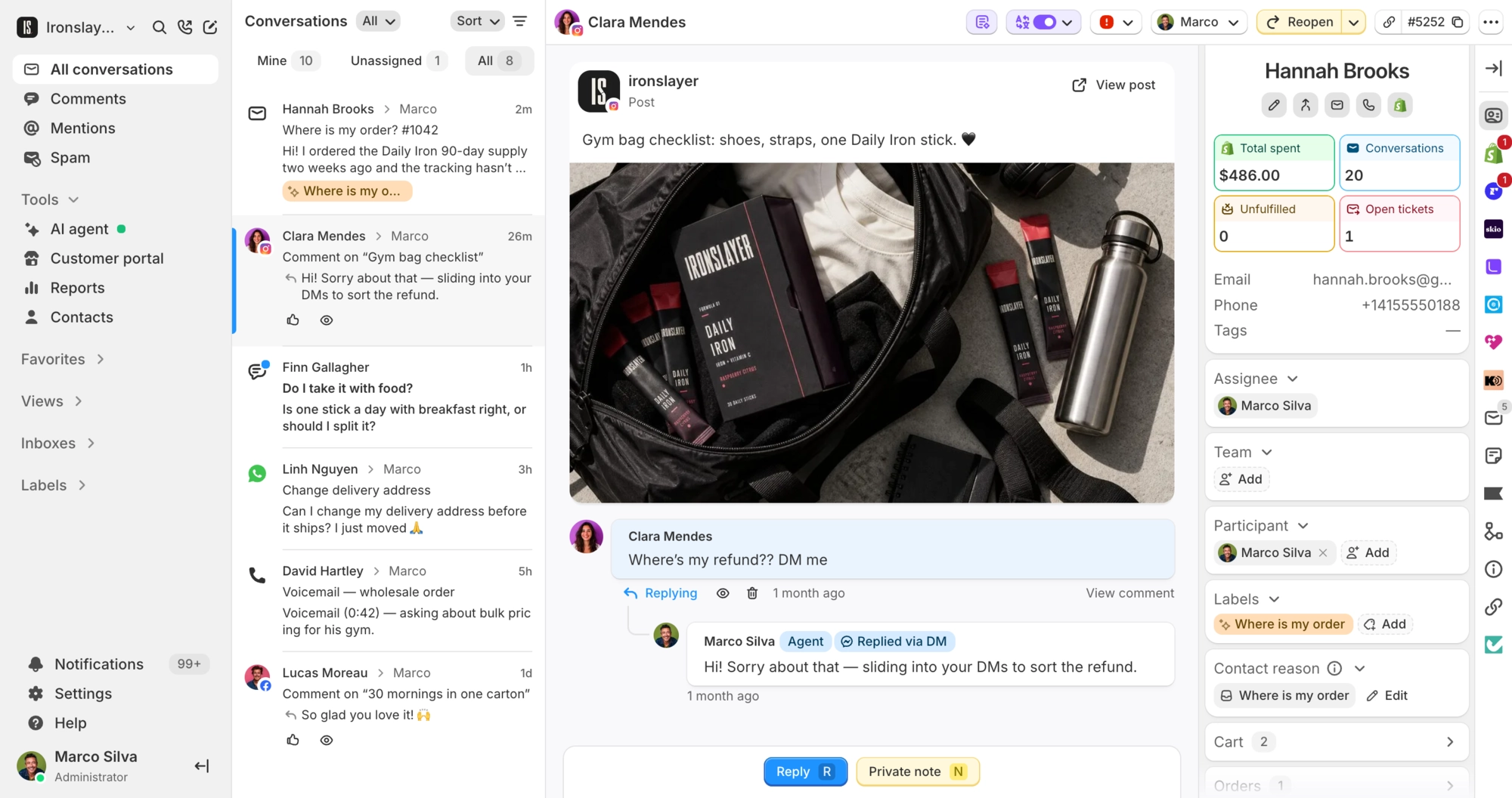
Each contact is saved with their WhatsApp number and profile name, and matched to their Shopify customer by phone. Your team sees their orders beside the chat. New WhatsApp inboxes keep each customer in one ongoing thread, so the history stays in one place.

What Commslayer can do with WhatsApp Business
-
See messages
Team AI agentText, images, voice notes, video, files, locations and contact cards. Stickers show as images, and button taps show as text.
-
Reply
Team AI agentWithin 24 hours of the customer's last message. Your team can attach images, video, audio and documents.
-
Send templates
TeamYour approved WhatsApp templates, with the variables filled in. The only way to message a customer after 24 hours.
-
Look up and change orders
AI agentTracking, edits, cancellations and subscription actions, the same as on chat.
-
Hand over
AI agentPasses the conversation to a person on your team.
-
See message status
TeamSent, delivered, read or failed on every outgoing message, with WhatsApp's reason when a send fails.
-
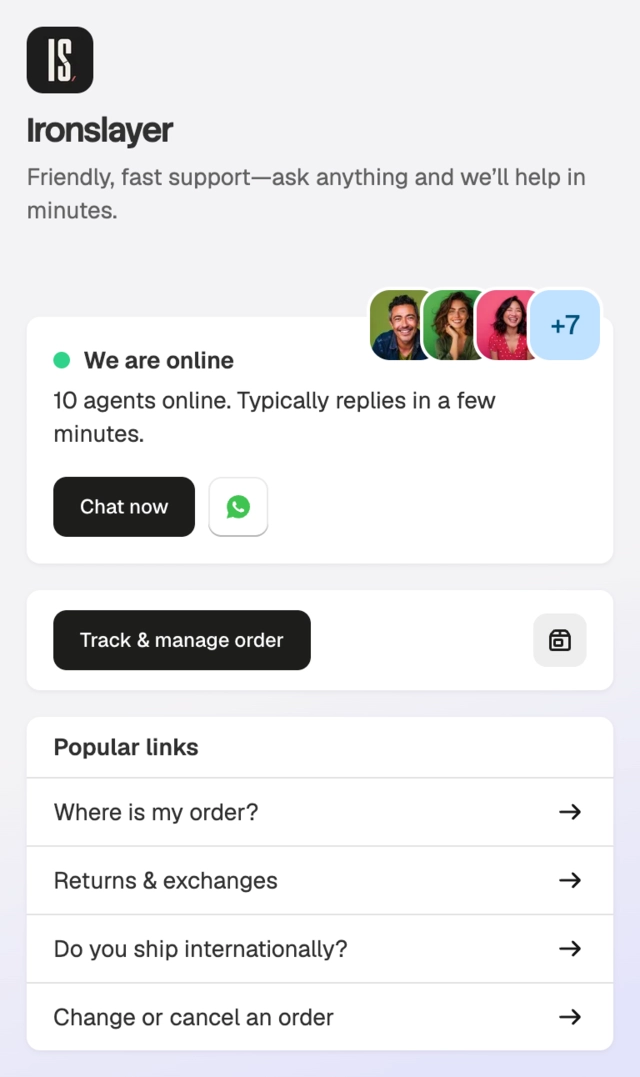
Add a Chat on WhatsApp button
TeamPuts a button in your storefront chat widget that opens a chat with your WhatsApp number.
Which plan do I need?
Any plan, including Free. To send templates after the 24-hour window, add a payment method to your WhatsApp account in Meta.
How do I connect WhatsApp Business?
In Commslayer, go to Settings > Inboxes > WhatsApp and click Login with Facebook. Pick your WhatsApp Business account and phone number, name the inbox and save. Your approved templates sync over. If the number isn't verified yet, verify it from the inbox settings with an SMS or voice code. Then turn the AI agent on for that inbox in AI agent settings.
Can I keep using the WhatsApp Business app on my phone?
Yes. Replies you send from the WhatsApp Business app show up in the Commslayer thread. A number on the personal WhatsApp app has to move to a business account first.
What happens after 24 hours?
WhatsApp only allows free-form replies within 24 hours of the customer's last message. After that, send an approved template from the reply box. Templates are created and approved in Meta, then sync into Commslayer.
What can't the AI agent do on WhatsApp?
It only replies to customers who message you first. It can't send templates, so it can't follow up once the 24-hour window closes. It also doesn't transcribe voice notes.
What doesn't come through?
Reactions are skipped, and WhatsApp calls aren't handled. Each phone number connects to one inbox.
Connect Commslayer and WhatsApp Business
Log in with Facebook, pick your number and turn on the AI agent for that inbox.
- Free plan
- 14 day trial on paid plans
- Cancel anytime